1.3
Home screen
1.3.1 Widget bar
Widgets are convenient shortcuts for quick access from the Home sc
r
een.
Click on the left on the navigation key to access to the Widget bar
You can have quick access to Facebook / Maps / YouTube / Google / Whatsapp.
1.3.2 Change
w
al
l
paper
To adjust (or change) Wallpaper go to: Settings > Personalization > Display >
Wallpaper
• Press Camera to take a picture for the Wallpaper you would like to use/Store .
• Press Wallpaper to select from pre-loaded Wallpapers.
• Press Gallery to select from Images that are stored on your device.
2. Getting started
2.1 Set
up
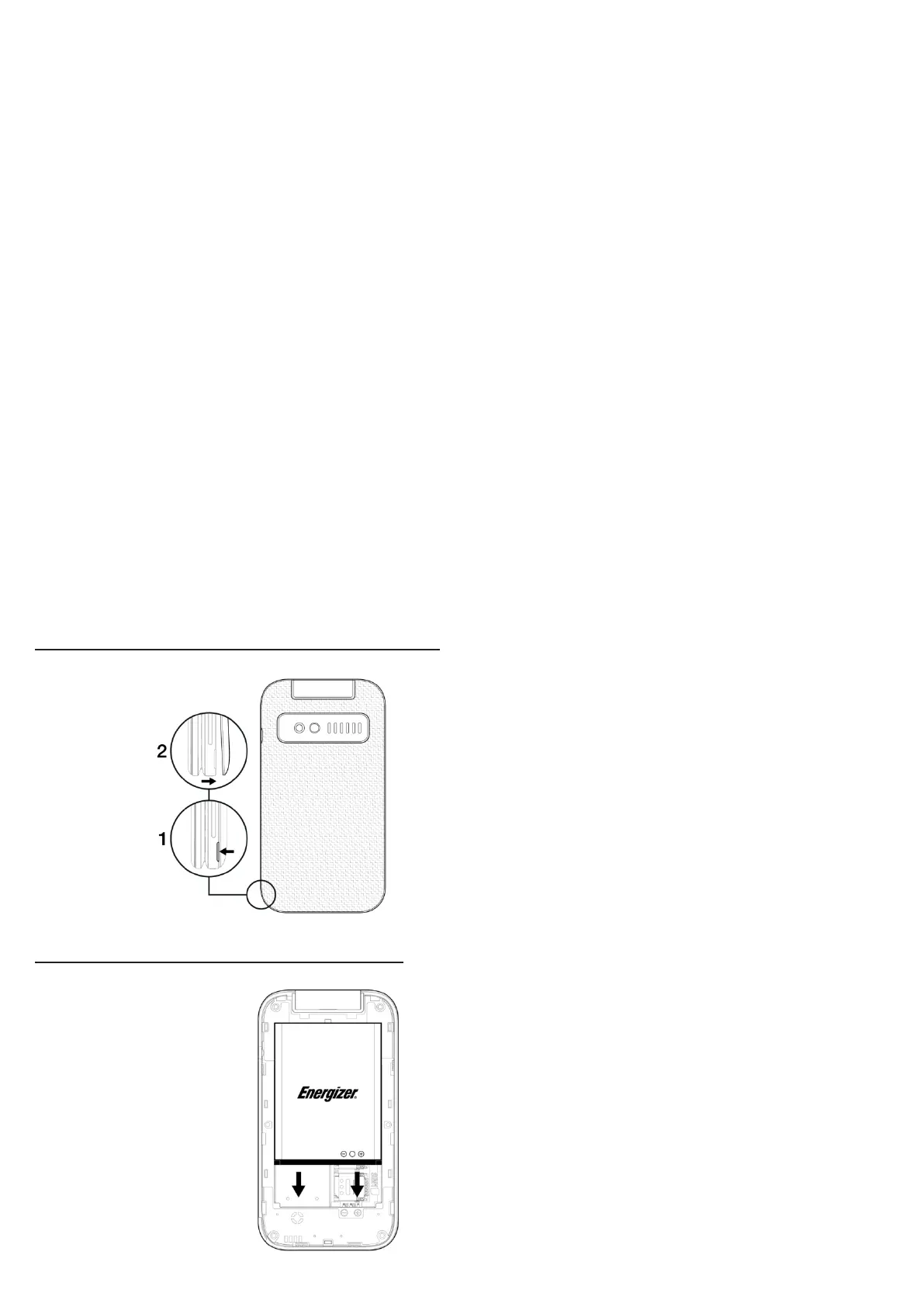
Removing and installing the back c
o
v
er
Removing and installing the battery



 To Next Page