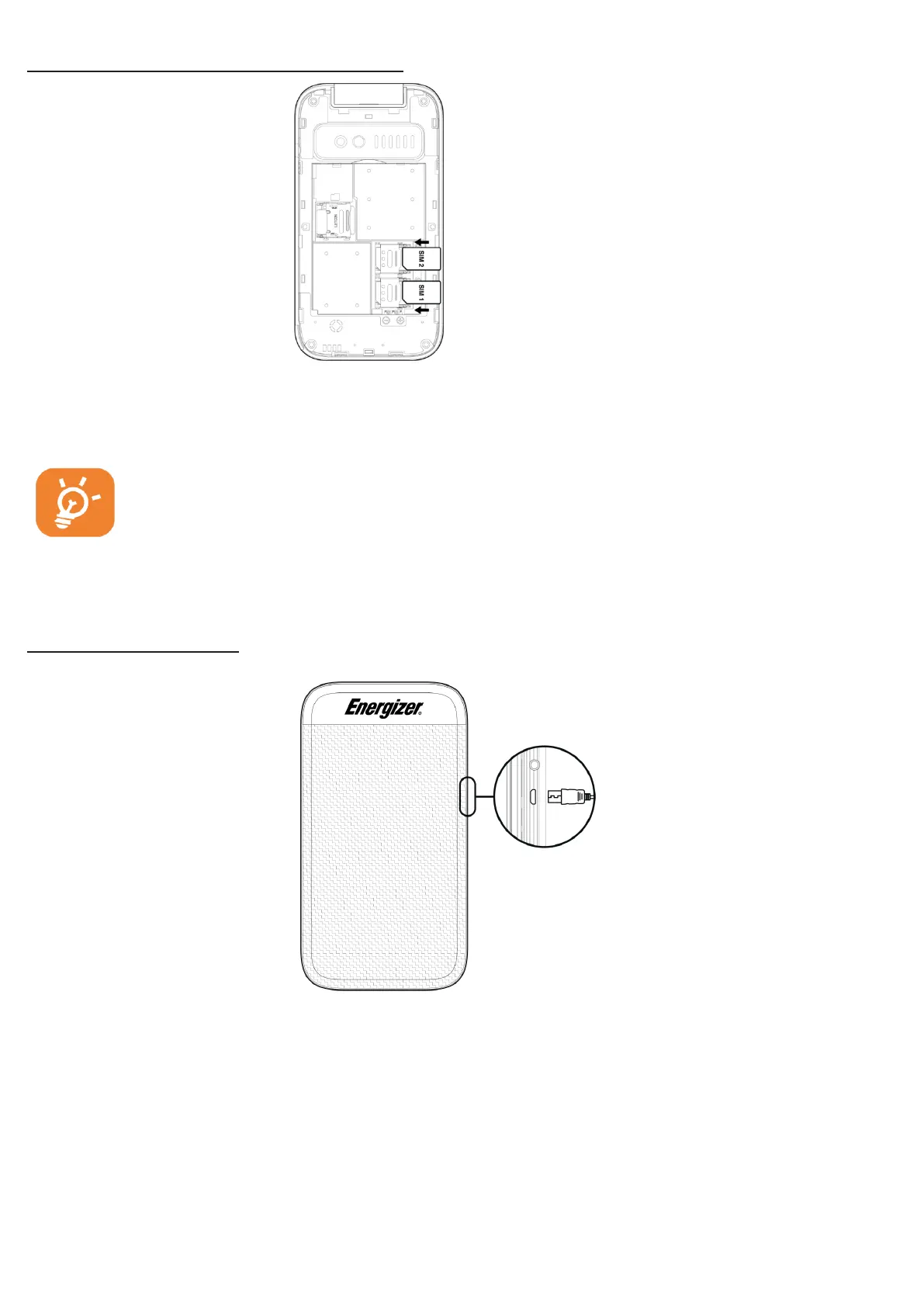
Inserting and removing the SIM card
Place the SIM card with the chip facing downwards and slide it into its housing.
Make sure that it is correctly inserted.
T
o
remove the card, press it and slide it
out
For dual SIM model, SIM1 supports micro SIM and SIM 2 support micro
SIM also. Do not attempt
t
o
insert other SIM types such as mini and Nano
cards; otherwise this may cause damage to your
phone.
Charging the battery
Connect battery charger to your phone and plug into the soc
k
e
t.
• Charging may take about 20 minutes to start if the battery is out of
pow
e
r
.
• Be careful not to force the plug into the soc
k
e
t.
• Make sure the battery is correctly inserted b
e
f
o
r
e
connecting the
charger.
• The main socket must be near the phone and easily accessible (avoid electric
extension cables).



 To Next Page