STEP B
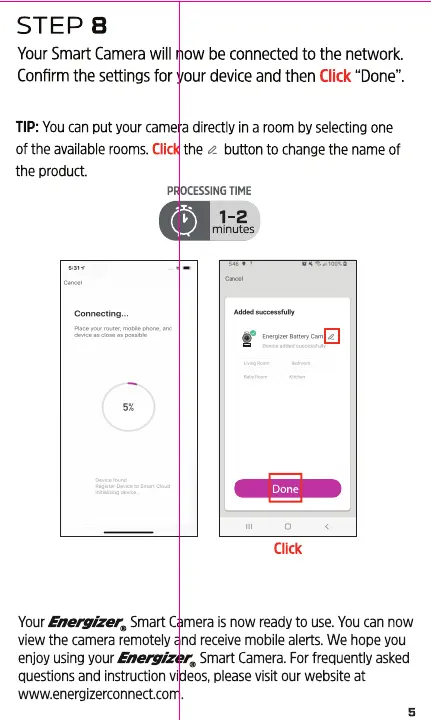
Your Smart Camera will now be connected to the network.
Confirm the settings for your device and then Click "Done".
TIP: You can put your camera directly in a room by selecting one
of the available rooms. Click the a button to change the name of
the product.
PROCESSING TIME
0 1-2
minutes,
Done
Click
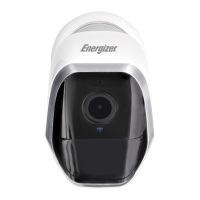
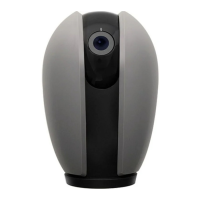
YourEneoizer@Smart Cameraisnowreadyto use.Youcannow
view the camera remotely and receive mobile alerts. We hooe you
enjoyusingyourEnemizer. SmartCamera.Forfrequentlyasked
questions and instruction videos, please visit our website at
www.energizerconnect.com.


 To Next Page