6
5.6. Voice mail service
This is similar to the Answer machine. You may transfer the incoming call that you fail to answer duly to your Voice mail server, where the caller can
leave message.
5.7. Message settings
You can modify the SMS Settings, push message, and check Message capacity.
6. Audio
You can enjoy the music with this function. You can use the following keys during the play.
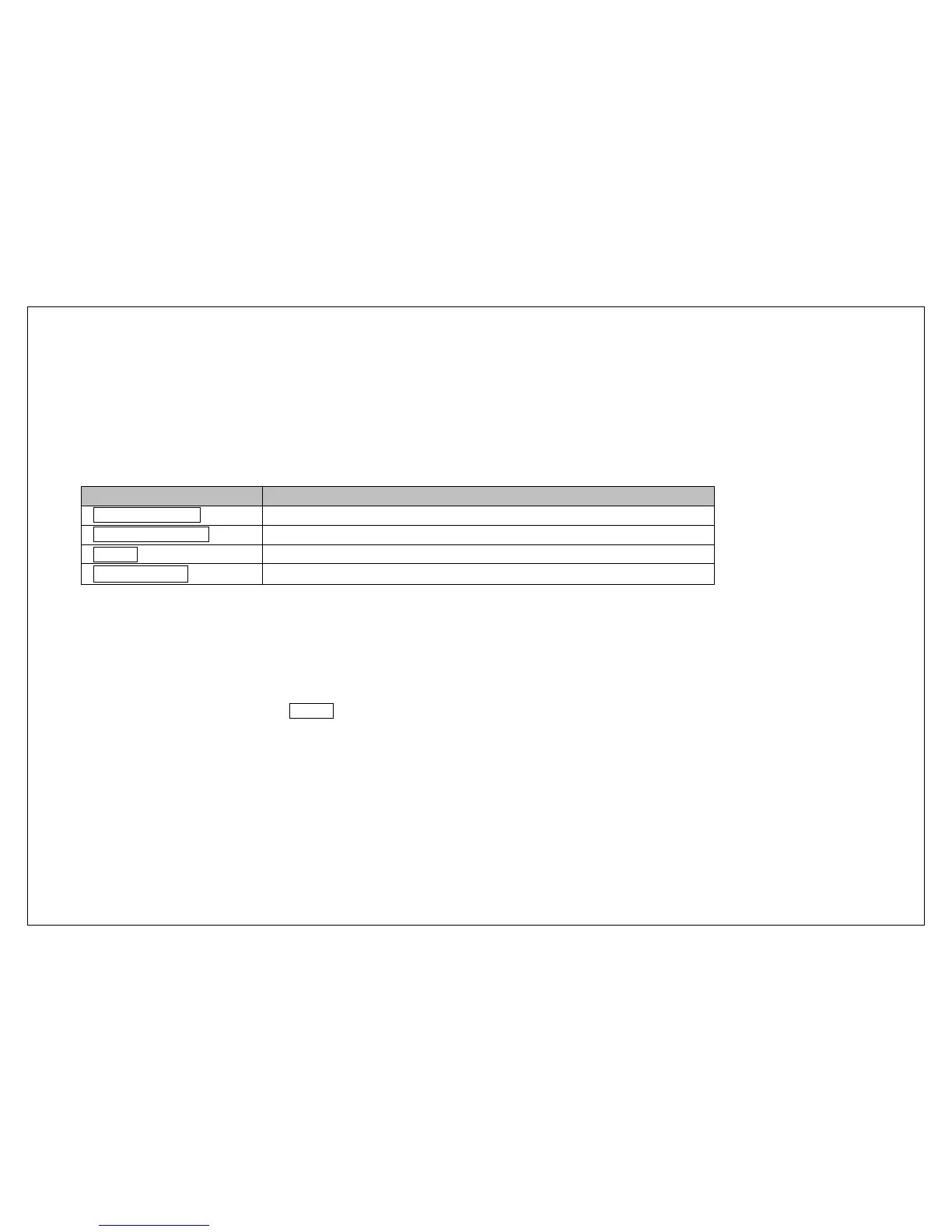
Key Function
Left direction Key
Press to switch to a previous song with cursor. Press and hold: go backwards
Right direction Key
Press to switch to a next song with cursor. Press and hold: go forwards
OK Key
Press to play/pause the Audio.
Up 、Down key
Press to volume up and down.
7. Multimedia
7.1. Camera
With this function, you can snap. Press OK Key to snap under the view-finding window. Enter Camera Option, Your options include:
Image viewer: Enter in the album folder.
More options: You can modify the DC/DV mode, Effect, Contrast, Brightness, White Balance and others.
Settings: You can select different Size, Quality, Banding and others.
7.2. DV
With this function you can record video for some interesting moments. For more information please read the Camera presentation.
In video recorder, your options include:
Switch to camera: Switch to the camera interface.
Video Settings: Set up the video parameters.



 To Next Page