EasyManua.ls Logo

Engel RT 6100 T2 - User Manual

Engel RT 6100 T2
82 pages
Print Icon
To Next Page IconTo Next Page
Loading...
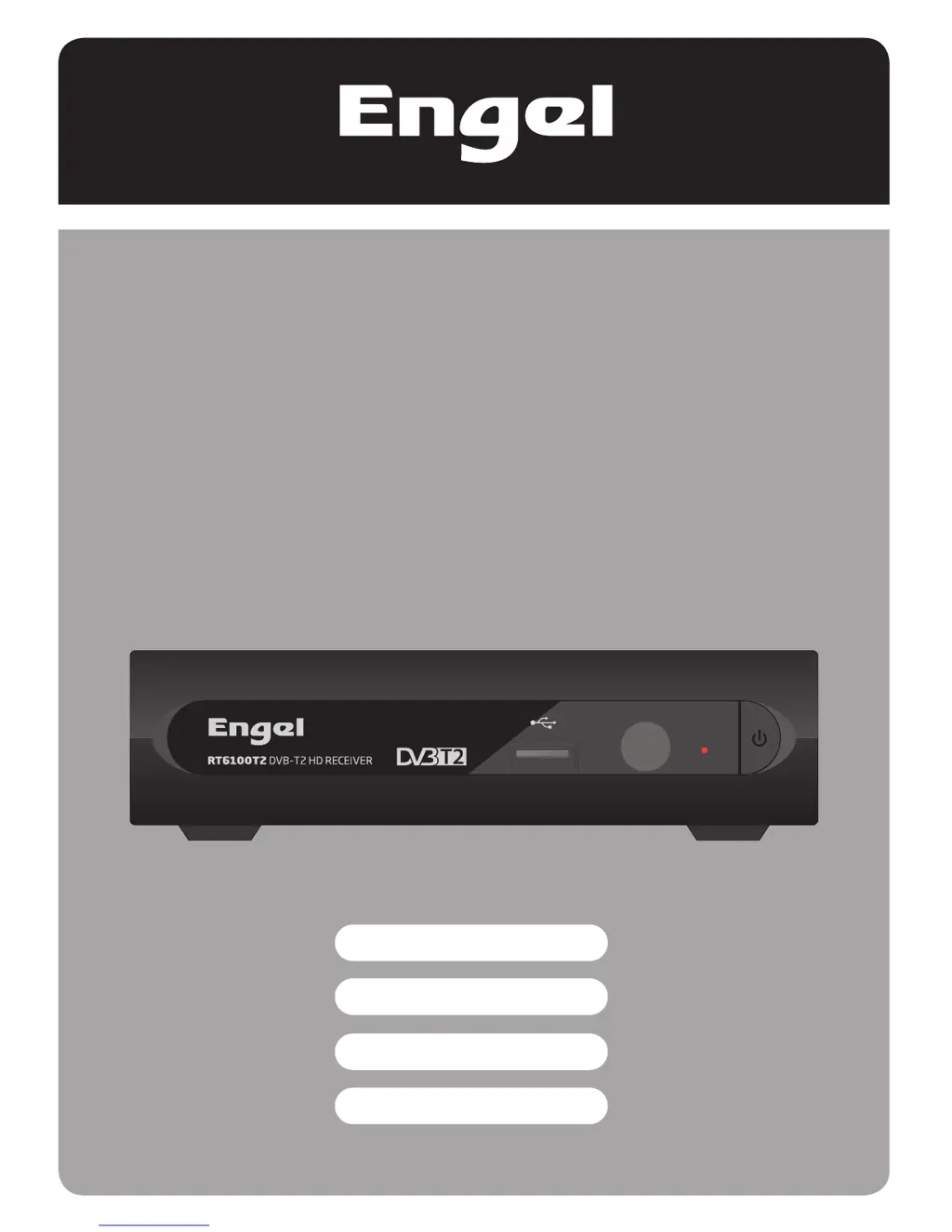
RT 6100 T2
Receptor DVB-T2 HD grabador
Recorder DVB-T2 HD receiver
Récepteur TNT HD T2 PVR
Digitalni DVB-T2 HD prijemnik
MANUEL D’ UTILISATION
UPUTSTVO ZA UPOTREBU
USER MANUAL
MANUAL DE USUARIO

Questions and Answers

  • D
    David LarsenAug 2, 2025
    What to do if my Engel RT 6100 T2 Receiver says no signal found?
    • D
      Diana AlvaradoAug 2, 2025
      If your Engel Receiver shows 'No signal found', it could be due to a few reasons. First, check the aerial lead to ensure it's properly connected. Also, the aerial itself might be damaged or misaligned, so inspect that as well. If you're out of the digital signal area, check with your dealer.
  • J
    Juan CarneyAug 8, 2025
    How to fix an Engel RT 6100 T2 that is not responding to the remote control?
    • W
      William PhillipsAug 8, 2025
      If your Engel Receiver is not responding to the remote control, ensure the receiver is plugged in and turned on. Aim the handset directly at the front panel of the receiver, and make sure nothing is obstructing the front panel. Finally, replace the handset batteries, as they may be exhausted.
  • C
    Cynthia BowenAug 13, 2025
    How to troubleshoot an Engel RT 6100 T2 Receiver with no standby light?
    • C
      catherine75Aug 13, 2025
      If the standby light on your Engel Receiver is not lit, check the mains lead to ensure it is plugged in. Also, check the mains fuse.
  • J
    Jennifer KimAug 19, 2025
    Why can't my Engel RT 6100 T2 Receiver get digital reception after moving it to another room?
    • K
      kristenjonesAug 19, 2025
      If you've moved your Engel Receiver and now can't get digital reception, the aerial feed at the new point might be coming through a distribution system that reduces the digital signal. Try a direct feed from the antenna.
  • K
    Kyle LopezAug 25, 2025
    What to do if I forgot the channel lock code on my Engel Receiver?
    • N
      Nicole JensenAug 26, 2025
      To cancel channel lock on your Engel Receiver when you've forgotten the code, reinstall the channels.

Summary

SAFETY INFORMATION

IMPORTANT SAFEGUARDS

Crucial safety guidelines for device operation and accessory use to ensure proper and enjoyable use.

Installation

Step-by-step instructions for setting up the device and following all safety protocols.

INTRODUCTION

Remote control

Identifies and explains the function of each button on the provided remote control.

SYSTEM CONNECTION

Connecting the TV

Illustrates and describes the common methods for connecting the device to a television.

GETTING STARTED

Installation

Step-by-step guide for initial device setup and channel scanning processes.

OPERATION

Accessing the Electronic Programme Guide (EPG)

How to view TV schedules, program times, and set reminders for upcoming events.

EDIT CHANNEL

SYSTEM SETUP

Timer Setting

Programming the device to record or switch channels at specific scheduled times.

Parental Lock

Setting up restrictions for menu access and channel viewing based on age ratings.

TOOLS

Factory Setting

Restores the device to its original factory default configuration and erases channels.

Software Upgrade

Process for updating the device's firmware via Over-The-Air or USB.

TIMESHIFT;RECORD

Timeshift

Pausing live TV broadcast and resuming playback at a later time.

Record

Instantly recording the current TV program or setting recording duration.

TROUBLESHOOTING

SPECIFICATIONS

Engel RT 6100 T2 Specifications

General IconGeneral
BrandEngel
ModelRT 6100 T2
CategoryReceiver
LanguageEnglish

Related product manuals