Multi-Function Gigabit Wireless-N Client Bridge Version 2.0
16
3.2.4.1 Switching between Operating Modes
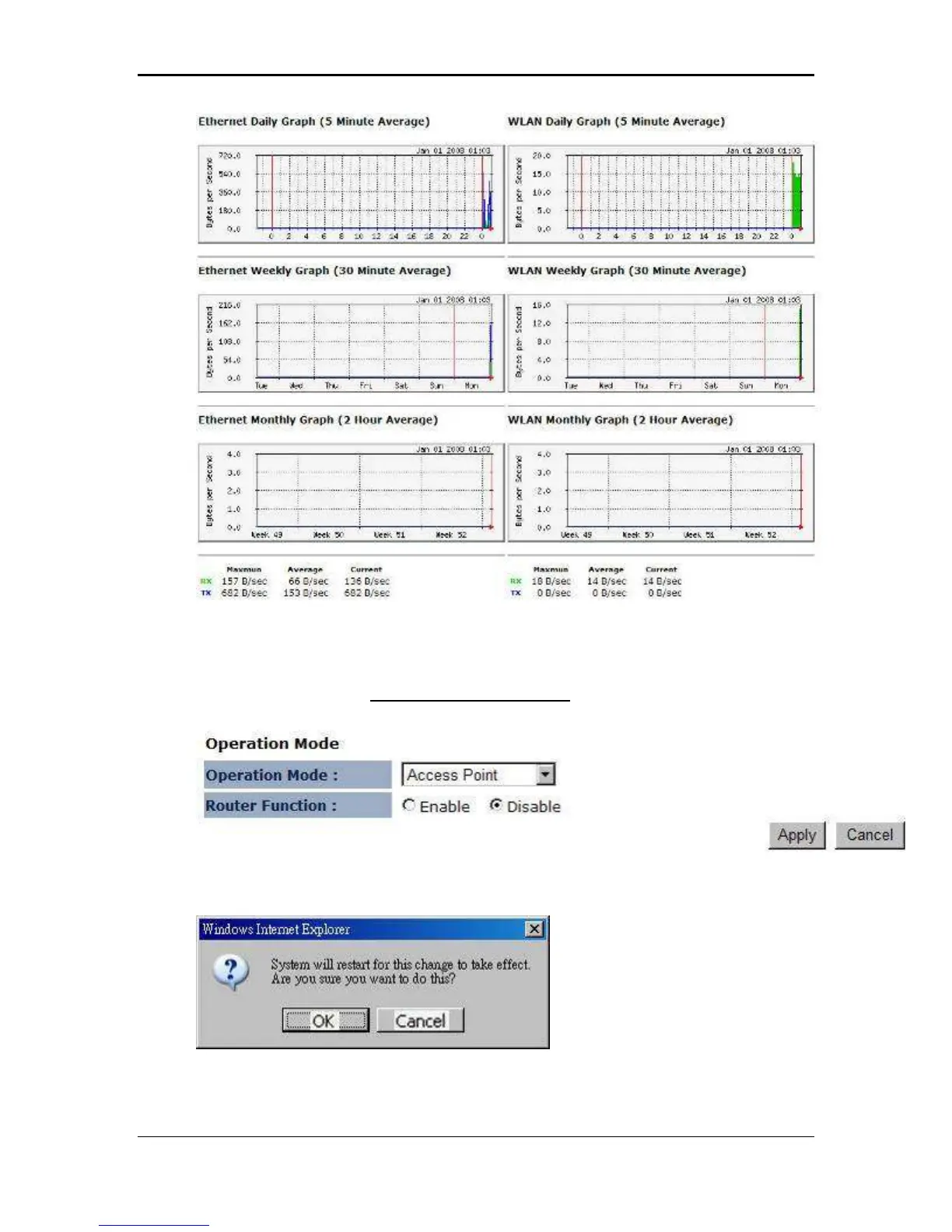
Each of the operating modes offers different features. In order to switch the operating
mode, select it from the System >> Operation Mode
A dialog box will appear to notify you that the system will restart in order for the
change to take effect. Click on the OK button to continue.
Please wait while the device counts down and restarts into the new operating mode.



 To Next Page