Multi-Function Gigabit Wireless-N Client Bridge Version 2.0
51
3.4 Management
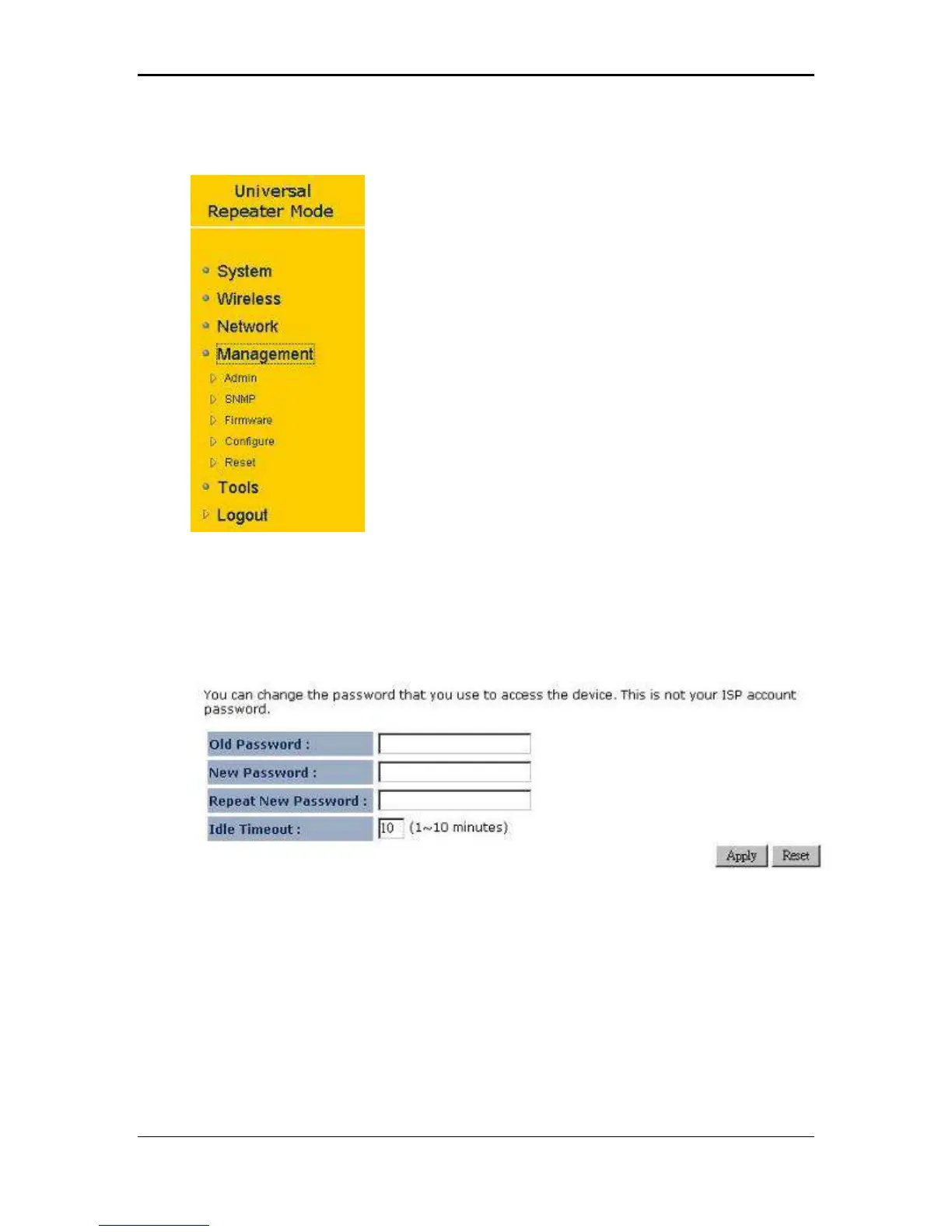
Click on the Management link on the navigation
drop-down menu. You will then see four options:
Admin, SNMP, Firmware, and Configure. Each
option is described in detail below.
3.4.1 Admin
Click on the Admin link on the Management navigation drop-down menu. This page
allows you to configure a new password to login to the device. It is recommended to
change the default password for security reasons.
Old Password: Specify the old password of the device.
New Password: Specify a new password.
Repeat New Password: Re-type the new password.
Click on the Apply button to save the changes.
3.4.2 SNMP
Click on the SNMP link on the Management navigation drop-down menu. This option
allows you to assign the contact details, location, community name and trap settings
for SNMP. This is a networking management protocol used to monitor network-
attached devices. SNMP allows messages (called protocol data units) to be sent to



 To Next Page