Quick Start Guide – ESR-9752 Wireless Broadband Router. 4
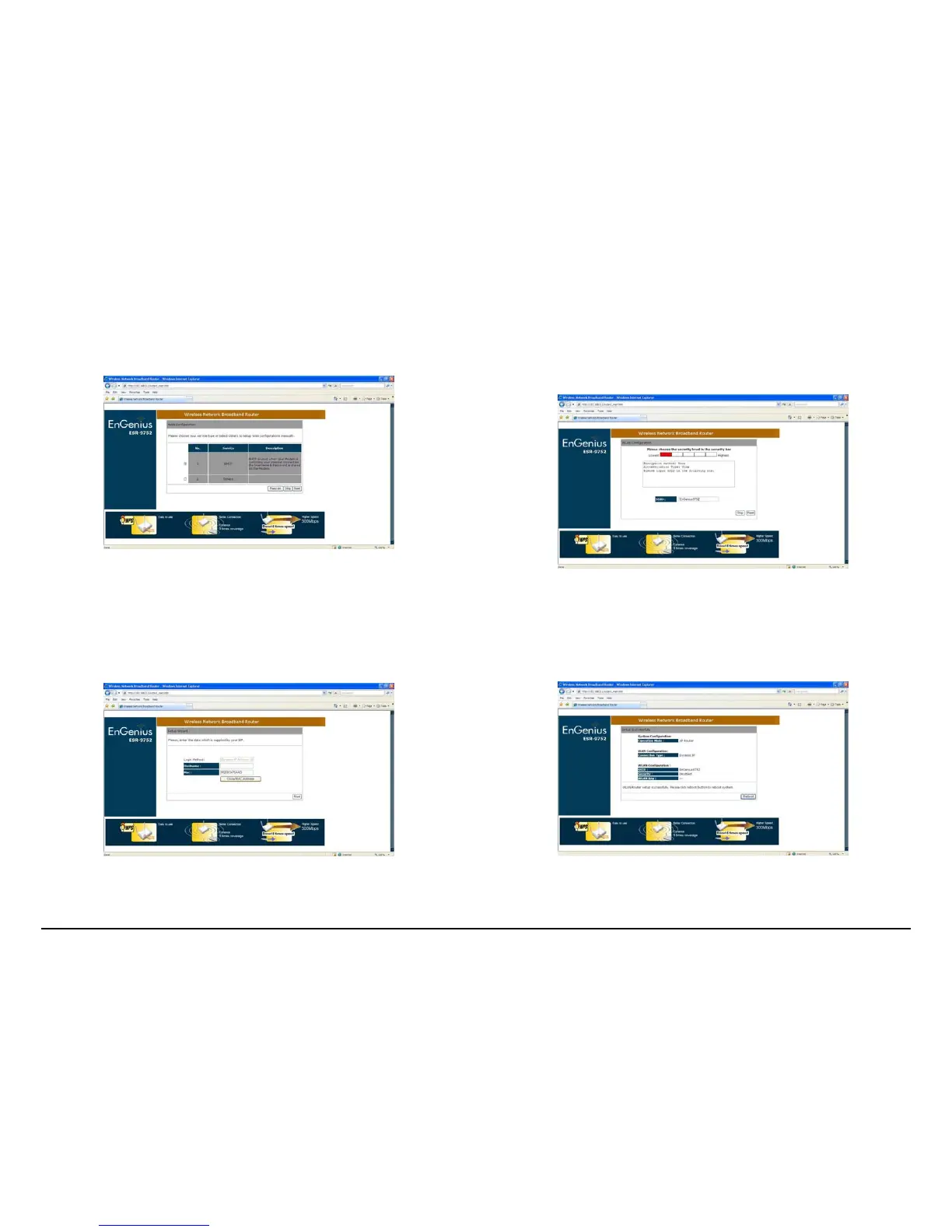
Step 15
Select ‘DHCP’ and click ‘Next’
Step 16
**For M1 and Starhub users Click ‘Clone MAC Address’ and ‘Next’
* For Singnet users just Click ‘Next’
Step 17
Enter Desired SSID to be broadcast, this will be the WiFi name for the user to connect to the router wirelessly.
Click ‘Next’ after this step had been done to proceed.
Step 18
Click ‘Reboot’ for the router to initialize the configuration.



 To Next Page