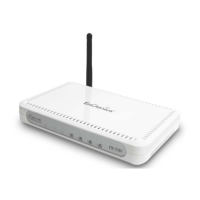
Quick Start Guide – ESR6650 Wireless Broadband Router. 1
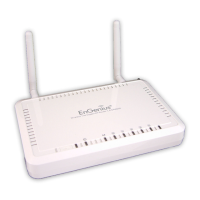
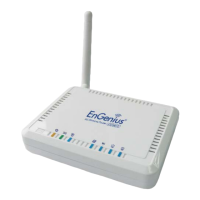
ESR6650 3G Wireless Router
Quick Start Guide
Connect the supplied power-adapter to the power inlet port and connect it to a wall
outlet. Then, the router automatically enters the self-test phase. During self-test phase,
Power LED will blink briefly, and then will be lit continuously to indicate that this
product is in normal operation.
Minimum Requirements
• A standard CD-ROM drive
• 3G data card , ADSL or cable modem should be ready for Internet connection.
• Modem must provide RJ45 port to connect with ESR6650.
• Microsoft Windows compatible PC/Notebook with UPnP enabled network adapter
• CAT 5 network cable(s), RJ45 port on PC/Notebook.
STEP 1
Power up the device.
Wait for POWER led on front panel lights up & remains stable.
STEP 2
Insert Wizard CD into your CD-ROM drive and browse it with Windows Explorer.
Click on “Wizard.exe” to activate SMART WIZARD.
Please contact your local ISP for Internet access account detail including
Username (or account) and Password. You may need to keep the information
handy during the setup process.


 To Next Page