6. System
6.1. Status
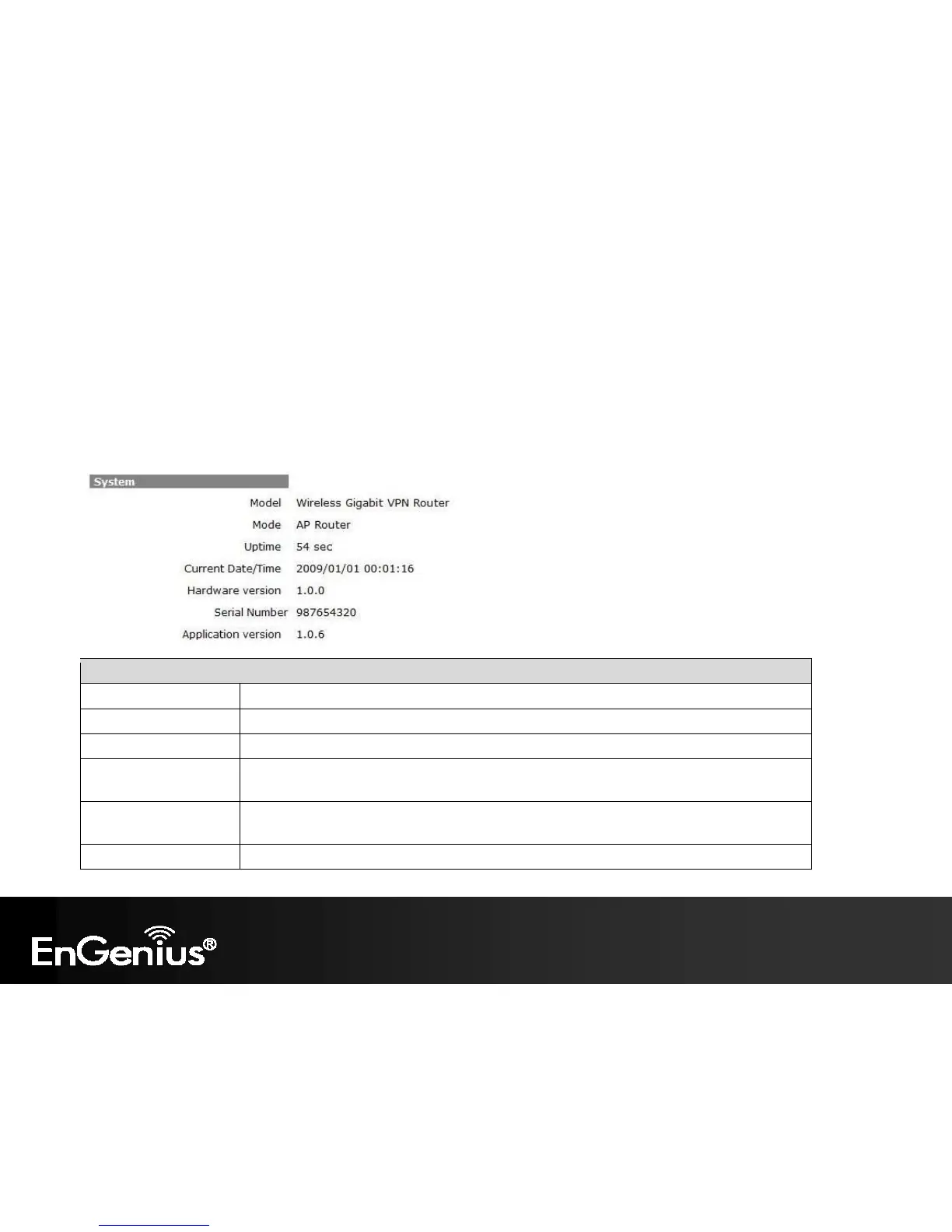
This page will display status of the device.
Status
Model Description of this device.
Mode The device is currently in which mode.
Uptime The duration about the device has been operating without powering down or reboot.
Current Date/Time The device’s system time.
If this is incorrect, please set the time in the Tools / Time page.
Hardware version and
Serial Number
Hardware information for this device.
Application version Firmware information for this device.


 To Next Page
 Loading...











