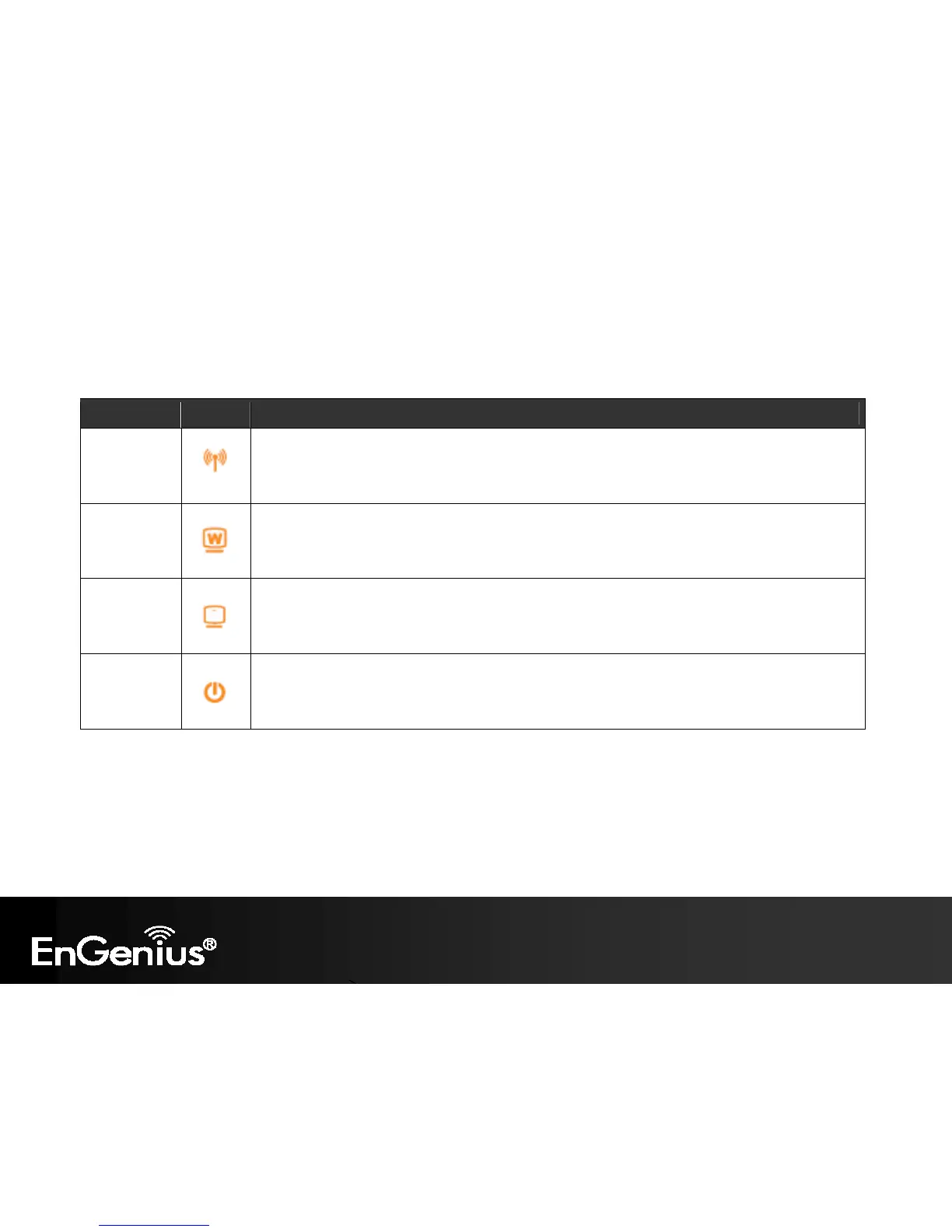
1.4. LED Overview
LED Lights
Icon
Description
Wireless LAN
Color – Blue
Lights when Wireless signal is activated.
Blinks when Wireless data transfer.
Internet
Color – Blue
Blinks when WPS handshake is initialized.
LAN
Color – Blue
Lights when wired network device is connected to RJ-45 port.
Blinks when data transfer occurs on RJ-45 port.
Power
Color – Orange
Lights when device is powered ON.
Blinks device is Reset.



 To Next Page