04
Press key to change the reference point .
The device reference point by default is rear.
Changing Reference Point
Back Light On/Off
The back light is set to turn on and off automatically.
The back light can be on for 15s while operating,
and it will be shut off automatically in 15s when
there is no operation to the device.
Sound On/Off
Long press button to turn on or off the buzzer.
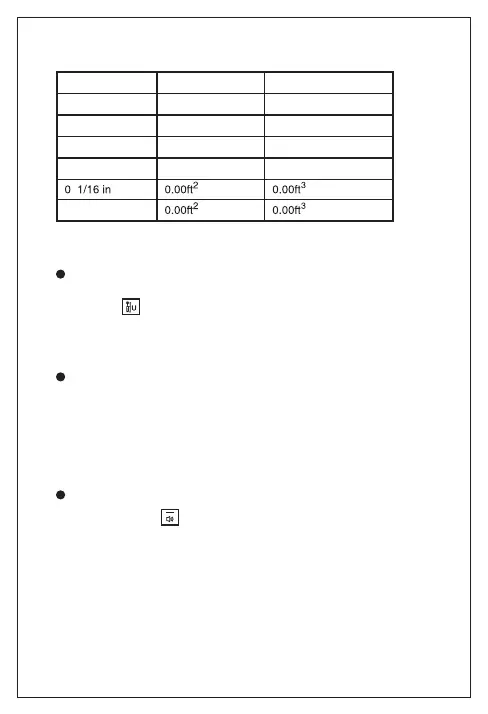
Length Area Volume
0.000m 0.000m
2
0.000m
3
0.00m 0.00m
2
0.00m
3
0.0in 0.00ft
2
0.00ft
3
0.00ft
0'00"1/16
0.00ft
2
0.00ft
3
Units:


 To Next Page