06
The resent measuring result of length is showed
in the auxiliary display area.Press , clear off
the result and measuring again if necessary.
Press again to exit the mode.
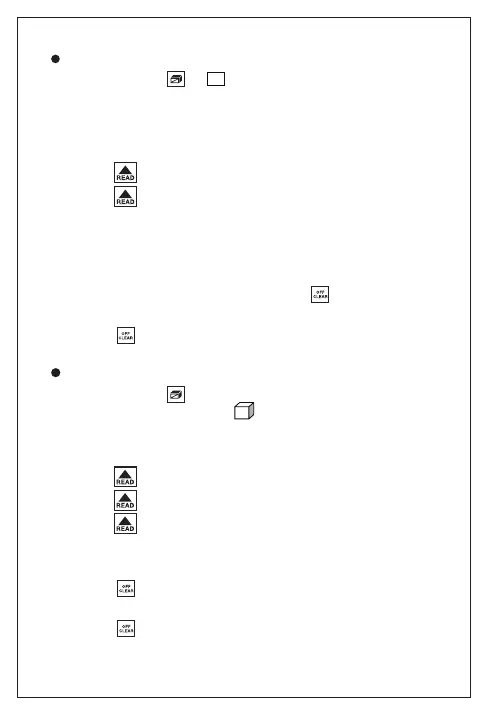
Press button , shows on the screen.
One of the side of rectangle blinking on the
display, please follow the below
instructions for area measuring:
Press once for length
Press again for width
The device calculates and shows the result in the
major display area.
Area Measurement:
The device calculates and shows the result in
the major display area.
Press , clear off the result and measuring
again if necessary.
Press again to exit the mode.
Press button twice to enter volume
measurement mode. A will shows on the top
of screen. Please follow the below instruction for
volume measuring:
Volume Measurement
Press for Length
Press again for Width
Press thirdly for height


 To Next Page