Master
Master volume knob. Located post-FX Loop. It controls the power amp output level.
Gain Boost
Press this push button to activate / deactivate the Gain Boost function. The red LED above this push button
lights up to indicate that the Gain Boost is activated. This feature can also be controlled via a dual footswitch
(conventional 6.3mm / ¼“ TRS) like the ENGL Z4 connected.
Clean/Lead Channel
Press this push button to toggle between the Clean and the Lead channel. The red LED above this push button
lights up to indicate that the Lead channel is engaged. This feature can also be controlled via a dual
footswitch (conventional 6.3mm / ¼“ TRS) like the ENGL Z4 connected.
Stand By
Use this switch to use the Stand By mode when you take a longer break or for brief breaks, for instance
when you are switching guitars. The amp´s tubes stay nice and toasty, and the amp is ready to roll
immediately when you ramp it back up to full power.
Power
Mains power on/off.
Please note: ensure that the Stand By switch is set to Stand By before you switch the amp on. Let the tubes
heat up for about 30 seconds before you activate the power amp. This procedure spares the tubes.
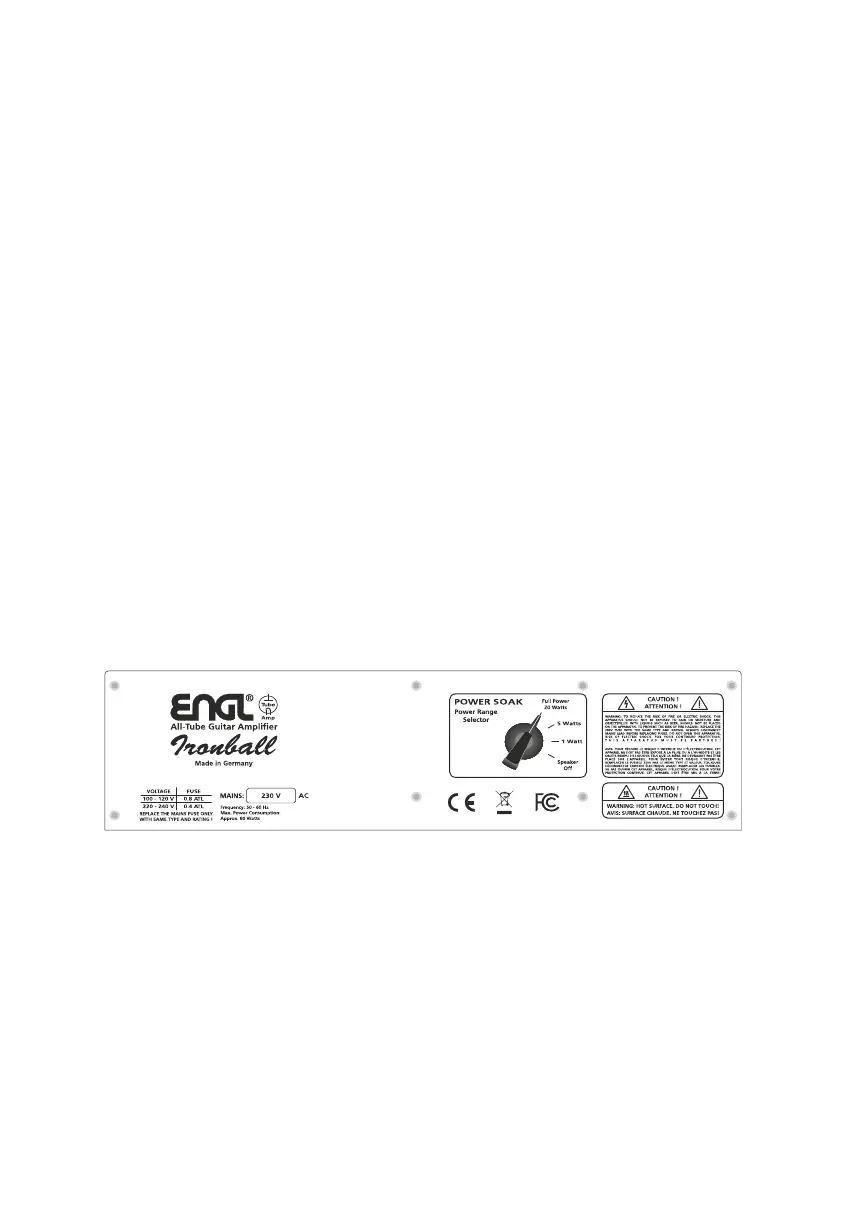
Figure: Tube protective panel with integrated Power Soak E606 head




 To Next Page