1
3
Connect the power plug to the wall outlet.
4
2
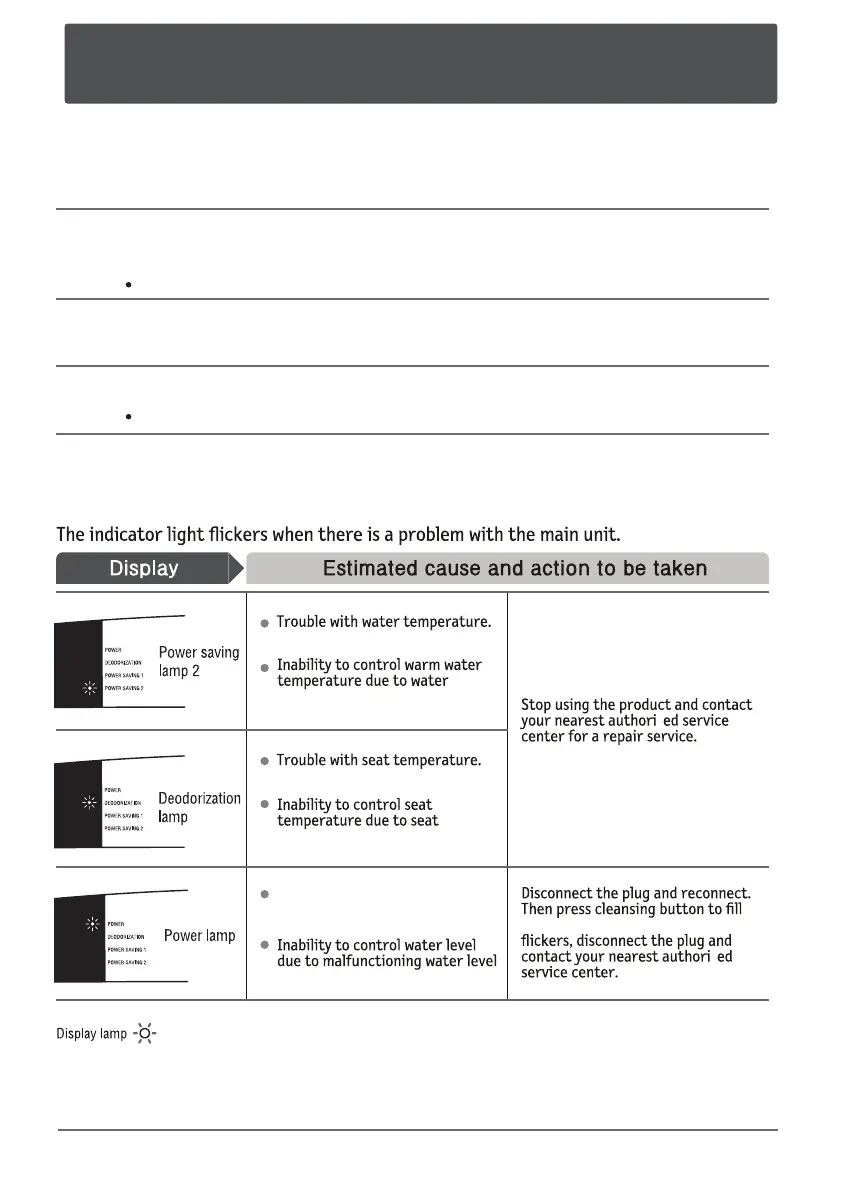
No water or water shortage in
the tank.
s
the tank with water. If the light still
s
temperature sensor failure.
temperature sensor failure.
sensor.
Flickering warning lights.
31
How to cancel the freezing prevention arrangement and start
to use the product again.
Put the water cap back into the water tank.
Connect the water feed hose as it was originally.
(Refer to installation instructions.)
Check and make sure there are washers in the hose before connecting the hose.
Open the water feed valve.
Press the cleansing button to lMMUIFtank with water.



 To Next Page