14
DistanCe, selF, & Desktop moDes
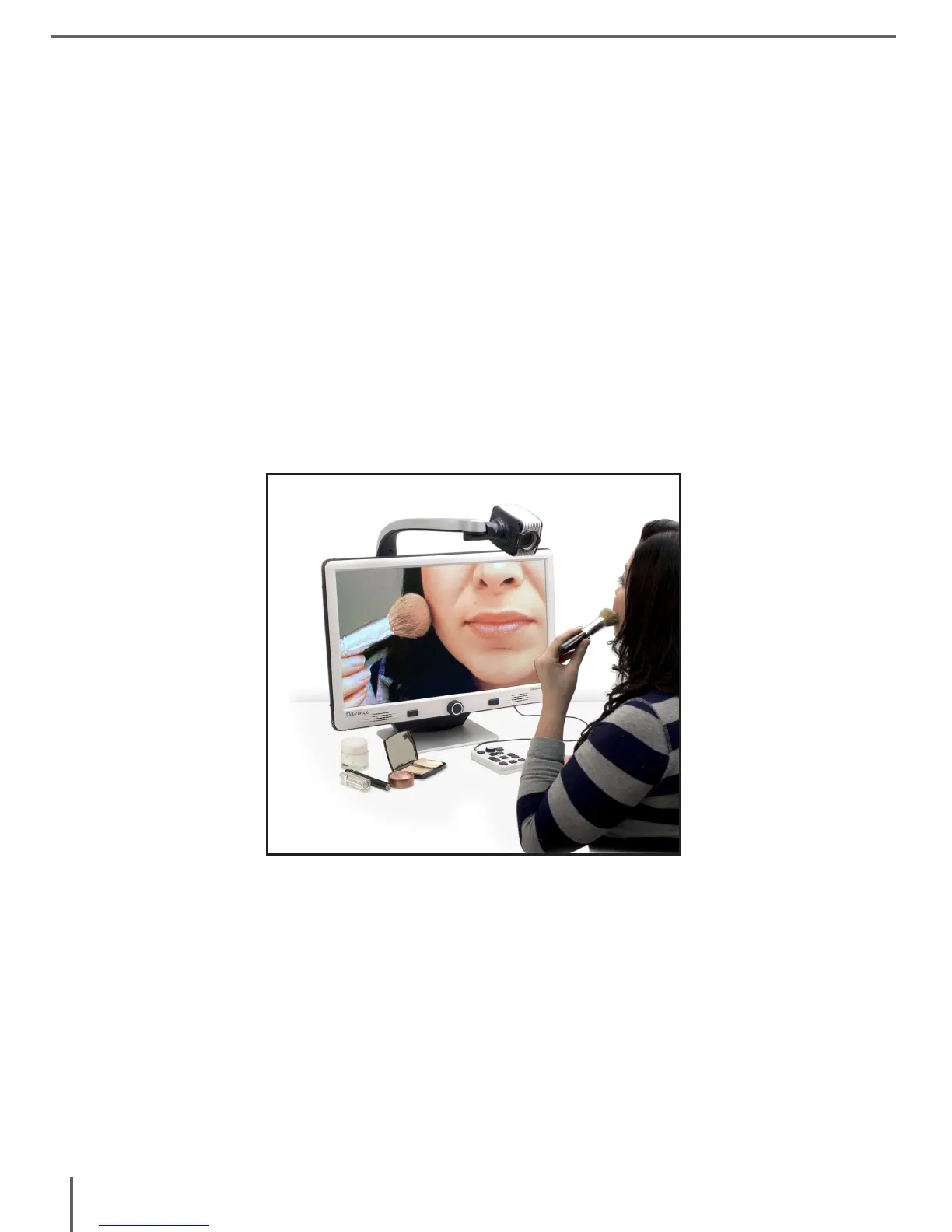
Self Viewing Mode
The Camera can be rotated backwards to provide you with
the equivalent of a full-length mirror. “Self” is displayed in the
upper-right corner of the screen when changing to this viewing
angle. In this position, you can use the DaVinci to help you put on
make-up, shave or perform other personal hygiene. For optimum
clarity, use the Close-up Lens and position yourself between
7.5”-22” away from the Camera.
Figure 1
7.5” - 22” (Recommended)



 To Next Page