13
DistanCe, selF, & Desktop moDes DistanCe, selF, & Desktop moDes
Distance Viewing Mode
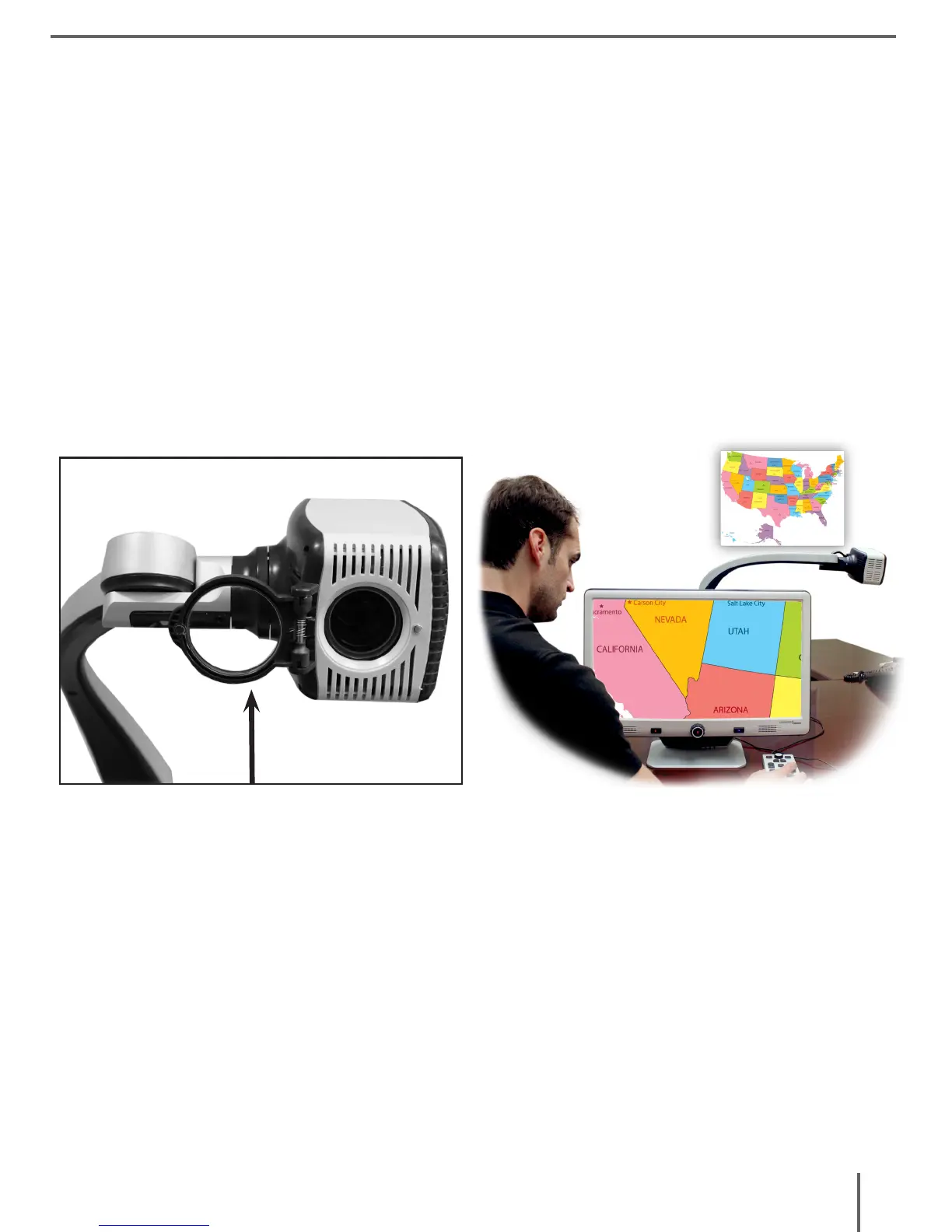
The camera can rotate forward to capture people, objects and
scenery. “Far” is displayed in the upper-right corner of the screen
when changing to this viewing angle. Be sure to open the Close-up
Lens for Distance Viewing (figure 1).
This Distance mode enables magnification for objects 5 feet away.
In this mode, although the camera can view objects at an infinite
distance, the recommended distance from camera to the distant
object is within 5-30 feet to achieve maximum magnification benefit.
(figure 1)



 To Next Page