6
important saFety preCautions
To Move the DaVinci to Another Location
• Use caution if you are repositioning the DaVinci a short
distance across a desk or table. Make sure you do not pull on
any power cords or connector cables.
Caring for the DaVinci
• Always turn the power OFF on the DaVinci when the system
is not in use.
• Always turn the power OFF before cleaning the DaVinci.
• Clean the DaVinci with a soft dry cloth or an electrostatic
dusting wipe. DO NOT use liquid cleaners on its plastic surfaces.
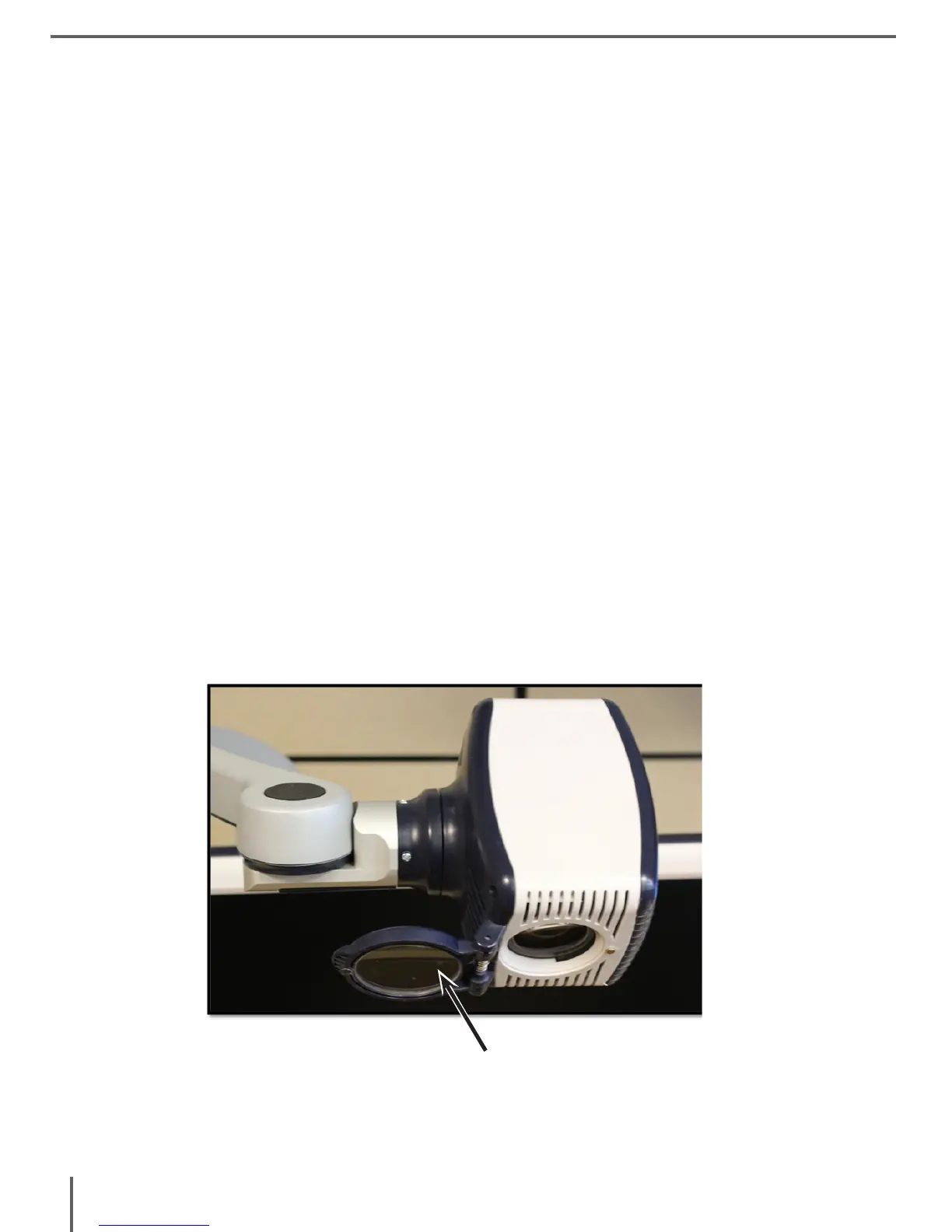
• Clean the camera lens and Close-up Lens as needed with the lens
cloth provided within the DaVinci’s packaging (See figure 1).
Figure 1



 To Next Page