20
Enphase Energy System with IQ Battery 5P Owner’s Guide
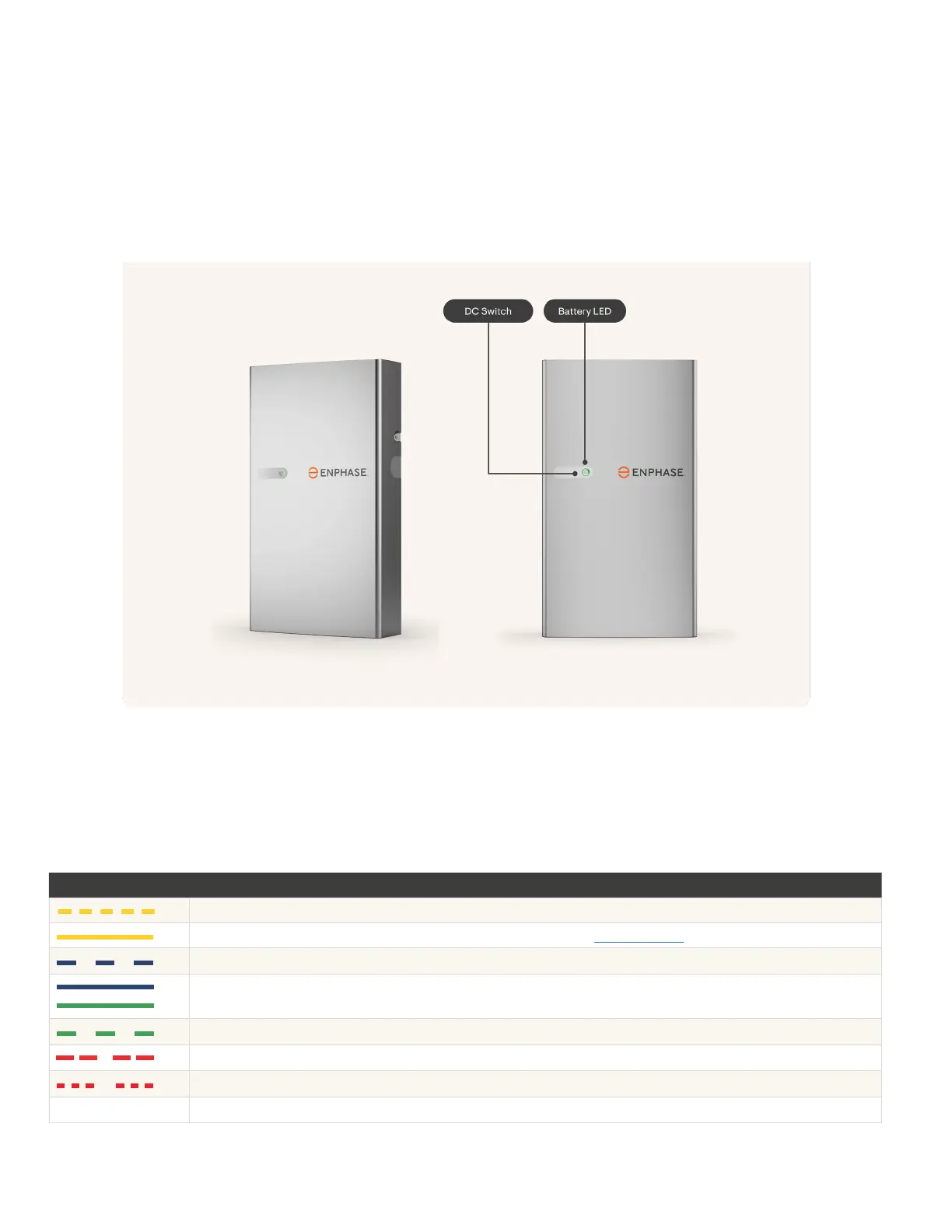
You can check and record the colour of all the LEDs on the front of the IQ Battery 5P batteries using the following table. If
the IQ Battery 5P lights are solid or pulsing green or blue, the batteries are operating normally.
IQ Battery 5P LED status
LED COLOUR STATE DESCRIPTION
Rapidly ashing yellow Starting up/establishing communications.
Solid yellow Not operating due to high temperature. See Troubleshooting to restart the system.
Soft pulse blue Discharging
Solid blue or green
Idle. Colour transitions from blue to green as the state of charge increases. Check
the Enphase App/Enphase Installer Platform for charge status .
Soft pulse green Charging
Red double ash IQ Battery 5P is in an error state. Contact Enphase Support to troubleshoot the issue.
Red triple ashes DC control switch is OFF, and AC from external source is present.
O DC control switch is OFF, and AC from external source is not present .
In the unlikely event that a battery does not automatically recover from a failure scenario, you can manually reset the
battery to resume normal functioning.
To reset the battery, lightly press the DC switch button on the front of the battery. The battery LED state will change to a
red triple ash pattern. Then switch o the AC circuit breaker for the battery in the electrical panel and wait 30 secs. After
30 secs turn on the AC circuit breaker again and wait for the battery to show a red triple ash pattern. Then press the DC
switch once again to turn on the battery. The LED state should change to green/blue.
Reset the IQ Battery 5P using DC switch



 To Next Page