19
Enphase Energy System with IQ Battery 5P Owner’s Guide
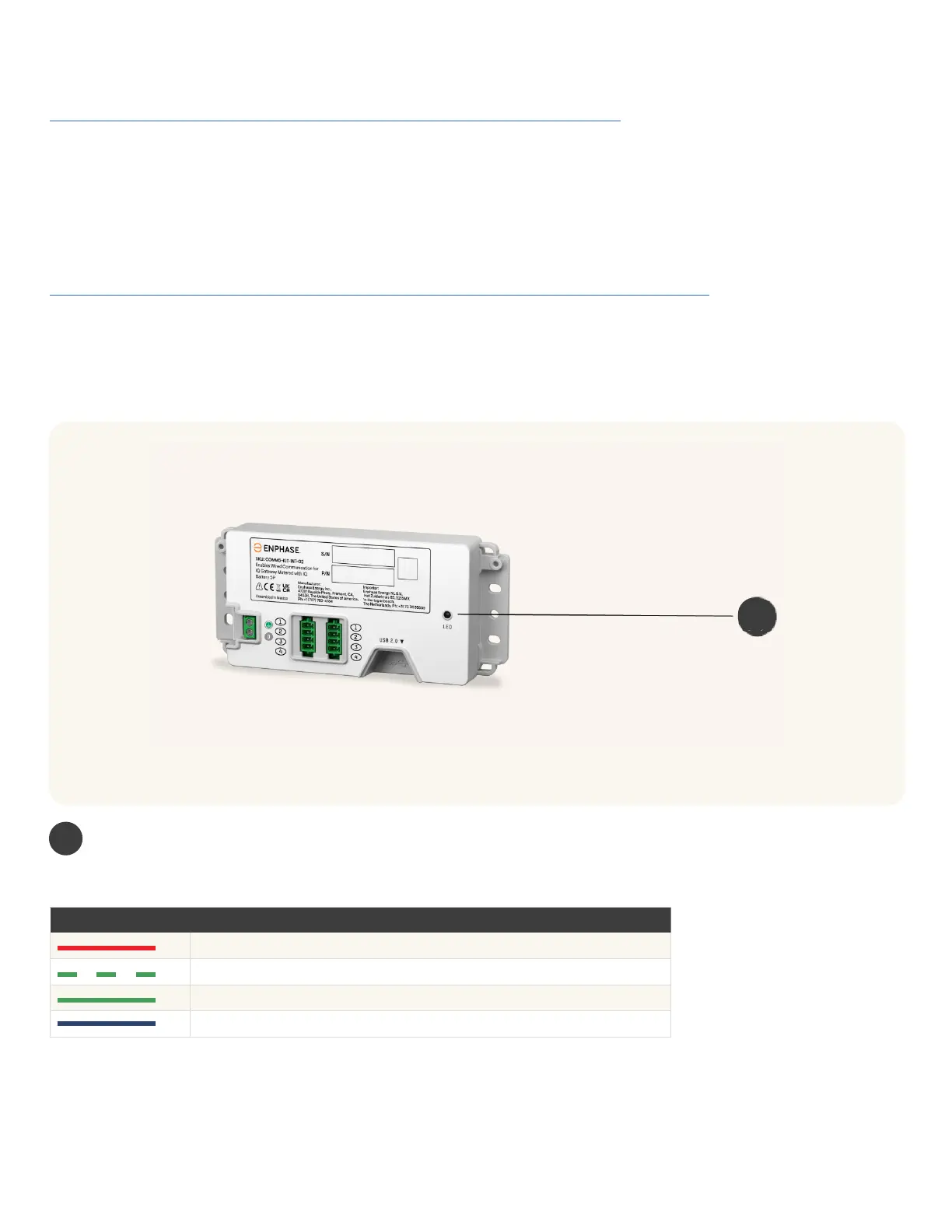
You can see the Communications Kit LEDs in the image shown below.
Communications Kit
1
Status LED
The LED on the Communication Kit indicates the connectivity status. The various states are as follows:
LED COLOUR LED STATE EVENT
Red
ERROR (control or BUS error)
Blinking green
Communications Kit rmware update
Green Communications Kit is operational
Blue No USB communication
If the IQ Gateway has stopped reporting to the Enphase App, see this webpage for more information
https://support.enphase.com/s/article/Reconnecting-your-Envoy-S-or-IQ-Envoy.
If the IQ Gateway is not powered on or has failed, the IQ Battery 5P units will not discharge. If the IQ Gateway fails, contact
your installer to submit a warranty claim for replacement (where applicable).
The Network communications LED (LED 1) in the IQ Gateway is lit solid green when connected to the internet. If the
Enphase App shows that the IQ Gateway is not reporting, and the Network communications LED on the IQ Gateway lit red,
then you may need to reconnect the IQ Gateway to the internet using Wi-Fi, hard-wired Ethernet, or a cellular network.
Check that the IQ Gateway ON. If not, switch it ON.
For more information on how to access monitoring when there is no connectivity, visit:
https://support.enphase.com/s/article/Connecting-to-your-system-without-cell-connectivity.
IQ Gateway communications troubleshooting
1



 To Next Page