HARDWARE IS YOUR EXCELLENCE
WWW
.ENSOTECH.LTD
Unit F, 6 Floor, Cheung Hing Shing Centre, No.23, Sha Tsui Road, Tsuen Wan,
New Territories, Hong Kong
6
THE ESC PARAMETERS ADJUSTMENT AND Swave programming App
In order to change the ESC parameters, you should purchase an optional UARTLINK programming cable.
Swave ESC programming app is free of charge !! You can find the app from Google Play™ which will automatic
install to your android. Or you can download the apk file from https://shop.ensotech.ltd to install manually. If you
decide to install the apk file manually, please make sure to un-install / remove the previous version before process to
install the new version.
This application supported by Android system only.
Click and purchase
Connect Android Device to the ESC by the programming cable. If the green LED on the UARTLINK is off, please,
check the Android device USB connection. One should note that some new Android devices utilize Type-C micro
USB. Always use high quality Type-C connectors with OTG data transfer features. Beware that some cheap adaptors
in the market have bad or even do not feature with OTG connection.
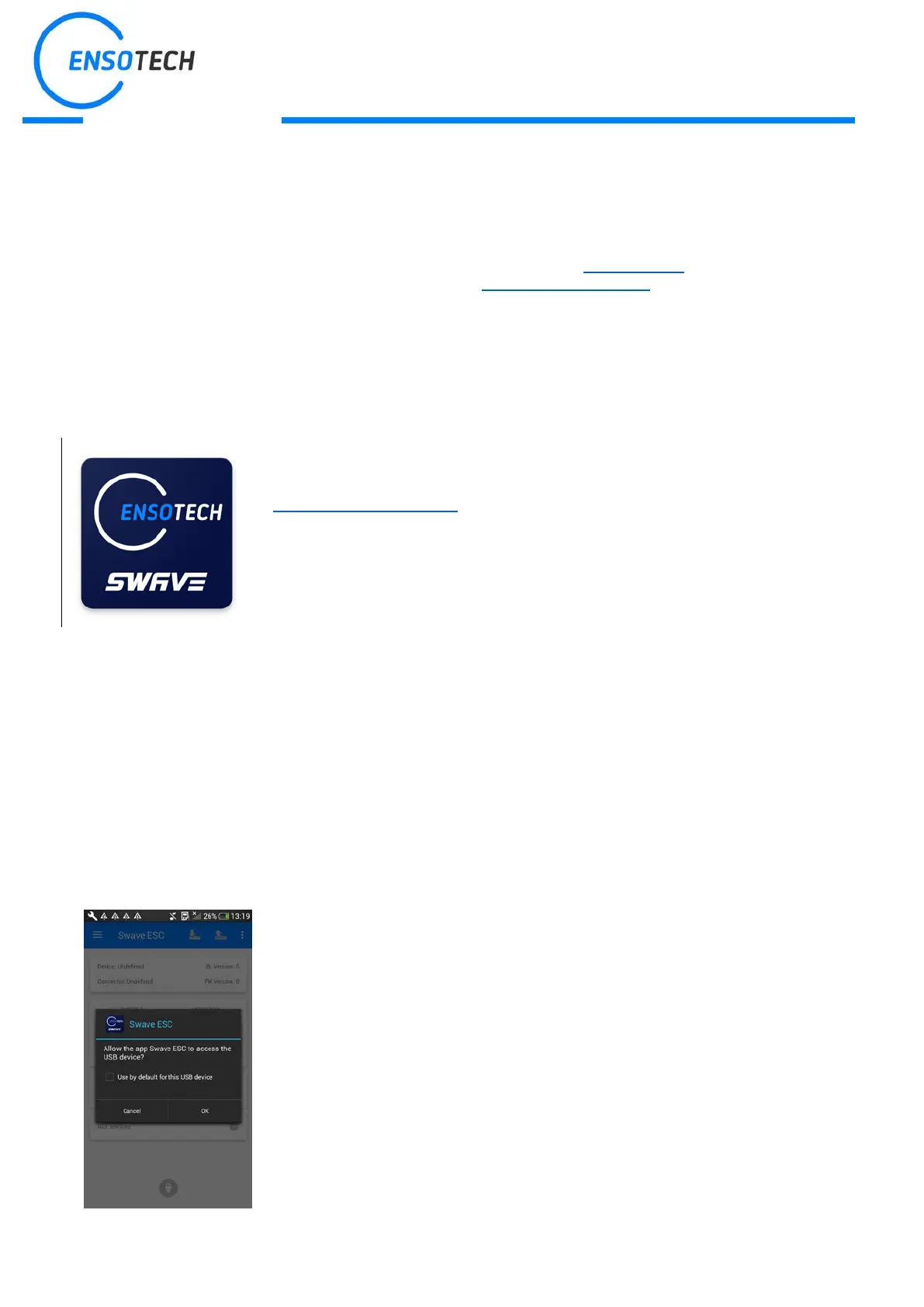
Connect the battery and switch on the ESC, your A
automatically detect the USB device and ask you to choose an app
Otherwise you can launch the app manually.


 To Next Page
 Loading...