35
5.2.2. Display Settings
Language settings, display contrast and backlight settings are located from the Display Setting
section.
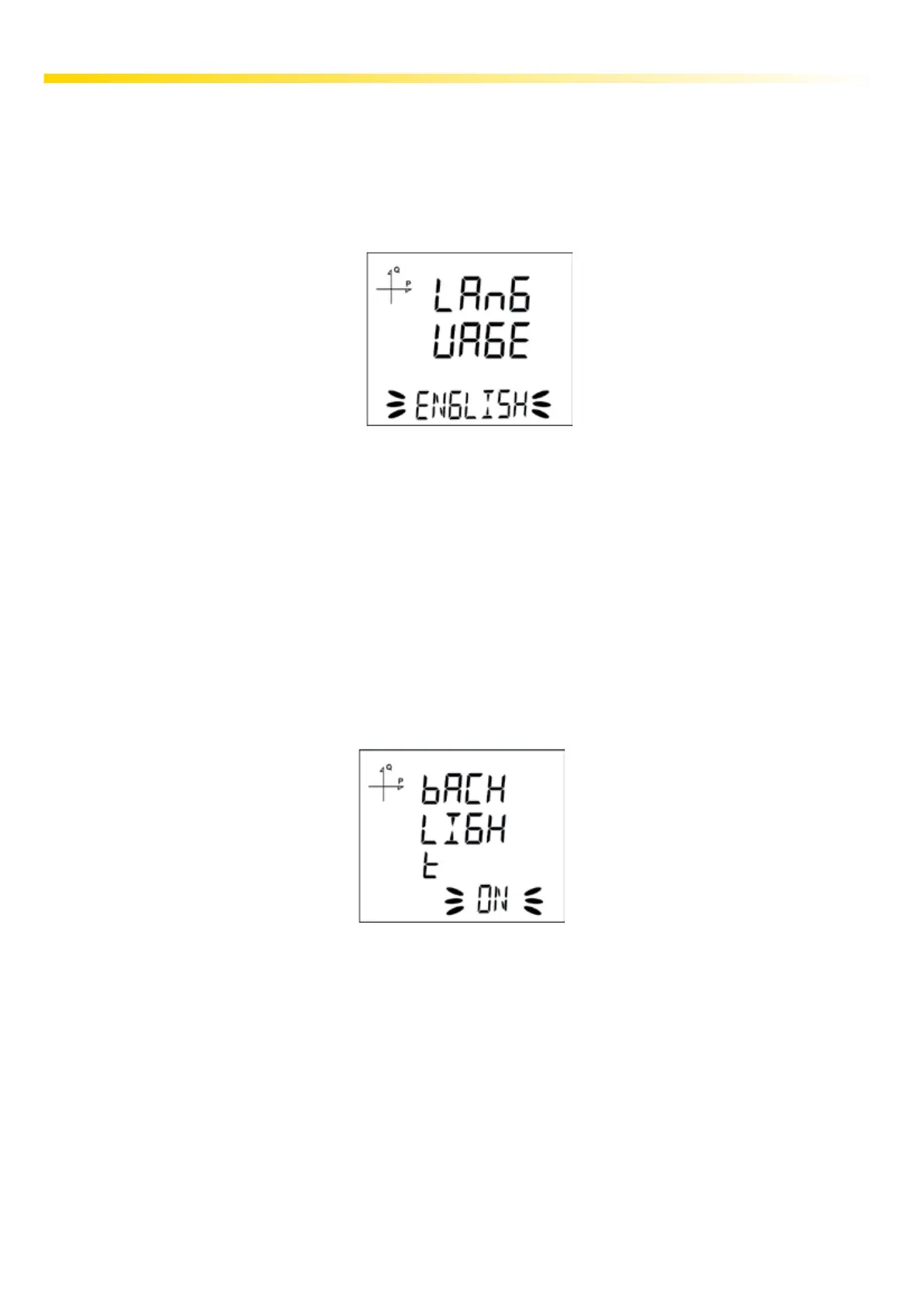
5.2.2.1. Language Setting
Messages on the device screen can be viewed in four languages:
1.Turkish
2.English
3.German
4.French
Note: Please contact your Sales Representative for models in Scandinavian languages (Norwegian,
Finnish, Swedish) that can be requested optionally.
5.2.2.2. Backlight Setting
There are three settings for the backlight of the device:
• Always ON
• Always OFF
• Automatic.
When “Automatic” option is selected, the backlight turns on after a button is pressed and turns o
after no button is pressed for 3 minutes.



 To Next Page