EasyManua.ls Logo

Entre Matic Ditec TOP603H - User Manual

Entre Matic Ditec TOP603H
48 pages
Print Icon
To Next Page IconTo Next Page
Loading...
Ditec TOP603H / TOP903H
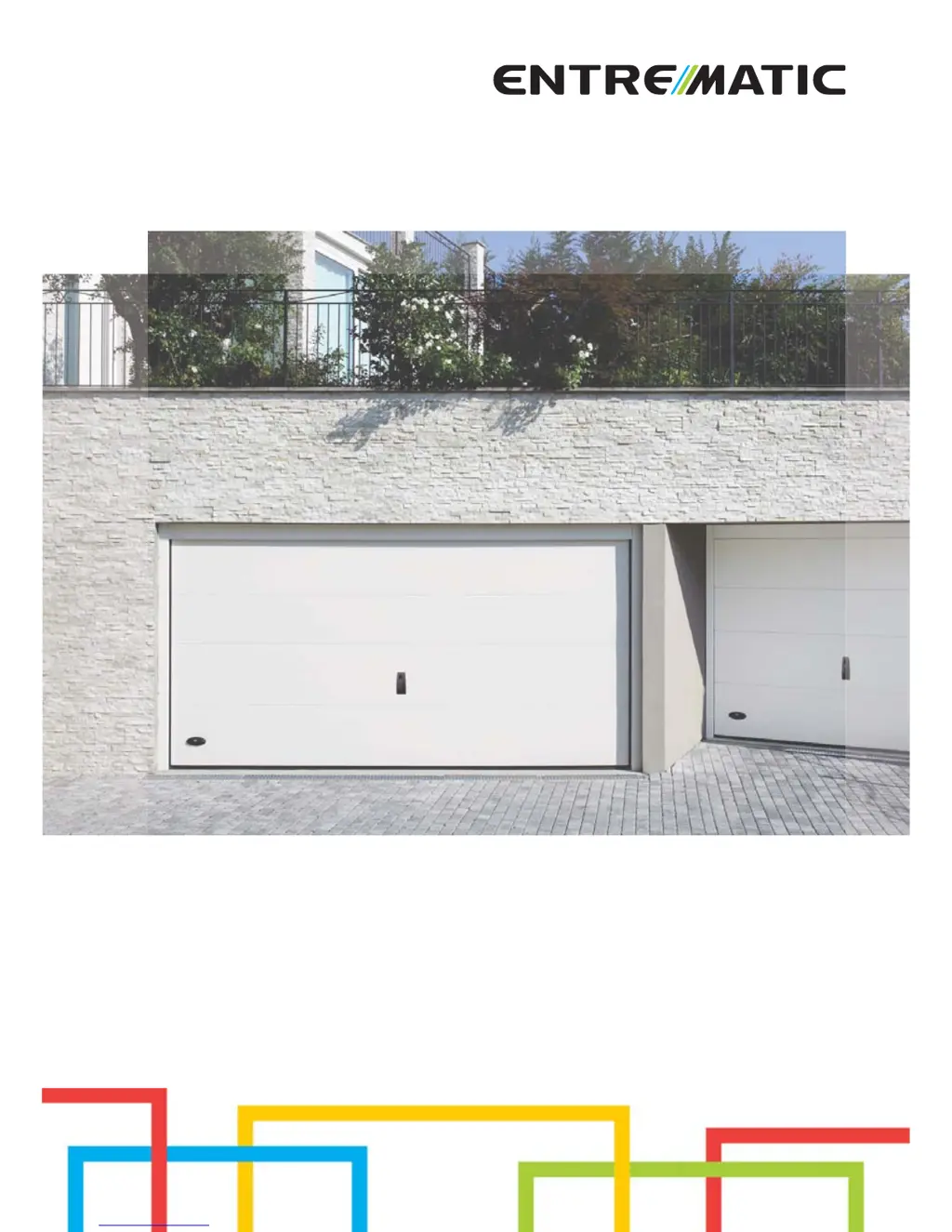
Automation for sectional
doors (translation of the original instructions)
www.ditecentrematic.com
IP2179EN
Technical Manual

Questions and Answers

  • K
    Kirk MurphyAug 17, 2025
    Why Entre Matic Ditec TOP603H remote control doesn't work?
    • M
      michelefloresAug 18, 2025
      If the Entre Matic Garage Door Opener remote control isn't working, the batteries might be flat, or the LED isn't illuminated. Replace the batteries to solve this issue.
  • M
    Matthew MartinAug 20, 2025
    What to do if Entre Matic Garage Door Opener automation doesn't work?
    • B
      bonniethomasAug 20, 2025
      If the Entre Matic Garage Door Opener automation isn't working, the issue might be due to no supply voltage, incorrect voltage, or a faulty fuse. Replace the fuse to resolve the problem.
  • K
    kaylaparkerAug 22, 2025
    What to do if Entre Matic Garage Door Opener automation stops during its stroke?
    • K
      kelli40Aug 22, 2025
      If your Entre Matic Garage Door Opener automation stops during its stroke, ensure the door moves smoothly and the safety device works properly. Perform a reset and repeat the learning procedure.
  • A
    Angela SmithAug 25, 2025
    What to do if Entre Matic Garage Door Opener automation doesn't close?
    • S
      Steve BrayAug 26, 2025
      If the Entre Matic Garage Door Opener automation doesn't close, it could be a safety command that has been activated or is faulty, or an alarm. Check the safety devices. If the problem persists, contact Technical Service.
  • L
    Lisa RogersAug 27, 2025
    What to do if Entre Matic Garage Door Opener automation doesn't open?
    • K
      Kelsey KellyAug 27, 2025
      If the Entre Matic Garage Door Opener automation doesn't open, the STOP command may be activated or faulty, or there may be an alarm. Check the STOP command. If the problem persists, contact Technical Service.
  • A
    Alejandro FreemanAug 30, 2025
    Why Entre Matic Garage Door Opener courtesy light flashes at regular intervals?
    • C
      Crystal RandallAug 30, 2025
      The courtesy light on your Entre Matic Garage Door Opener flashes at regular intervals because the door has detected an obstacle. Check that the door moves smoothly and remove any obstructions.
  • J
    James NicholsSep 2, 2025
    What to do if Entre Matic Ditec TOP603H safety devices are not working?
    • R
      Rebecca BrewerSep 2, 2025
      If the safety devices on your Entre Matic Garage Door Opener are not working, it might be due to an incorrect setting of the door or safety device. Perform a reset and repeat the learning procedure. If the problem persists, contact Technical Service.
  • V
    Veronica RossSep 4, 2025
    Why Entre Matic Garage Door Opener automation closes the door slowly while the courtesy light is flashing?
    • S
      sgonzalesSep 4, 2025
      When the Entre Matic Garage Door Opener automation closes the door slowly (soft start) while the courtesy light is flashing, the automation is performing the self-learning procedure. Wait until the procedure is completed. If the problem persists, contact Technical Service.
  • C
    christina49Sep 7, 2025
    How to fix faulty Entre Matic Ditec TOP603H automation?
    • L
      Lauren MosleySep 7, 2025
      If you have faulty Entre Matic Garage Door Opener automation, the carriage release may not be correctly coupled, the toothed belt may not be correctly tensioned, or the door could be blocked. Check the release, belt, or door movement.
  • D
    Denise SandersSep 9, 2025
    Why Entre Matic Ditec TOP603H courtesy light flashes 4 times?
    • D
      davisanthonySep 9, 2025
      If the courtesy light on your Entre Matic Garage Door Opener flashes 4 times, the door has not acquired the stroke. Perform the learning procedure as explained in chapter 15 or 21.

Summary

General Safety Precautions

General Safety Precautions for the User

Essential safety guidelines for users of the automation system, covering safe operation and potential hazards.

Technical Specifications and Operation

Operating Instructions

Guidance on the proper operation of the automation system, including service class and application types.

Standard Installation Guide

Mechanical Installation Guidelines

Electrical Connections TOP603 H

Commands TOP603 H

Explanation of the command inputs and functions for the TOP603H model.

Outputs and Accessories TOP603 H

List and description of outputs and accessories for the TOP603H automation.

Commands and Indications TOP603 H

Self-Learning of the Stroke TOP603 H

Remote Control Management

Adjusting Automation Parameters

Parameters Reference TOP603 H

Electrical Connections TOP903 H

Wiring the Accessories

Details on connecting accessories using pre-wired or custom cables for the TOP903H.

Commands and Indications TOP903 H

Self-Learning of the Stroke TOP903 H

Remote Control Management TOP903 H

Adjusting Automation Parameters TOP903 H

Parameters Reference TOP903 H

Troubleshooting Guide

System Alarms and Error Codes

Explanation of system alarms, error messages, and their corresponding causes and solutions.

Maintenance Procedures

Entre Matic Ditec TOP603H Specifications

General IconGeneral
Power supply230 V AC
Voltage230 V
Operating Temperature-20°C to +55°C
ModelTOP603H
Motor TypeDC
Frequency50Hz
Maximum Door Weight600 kg

Related product manuals