7
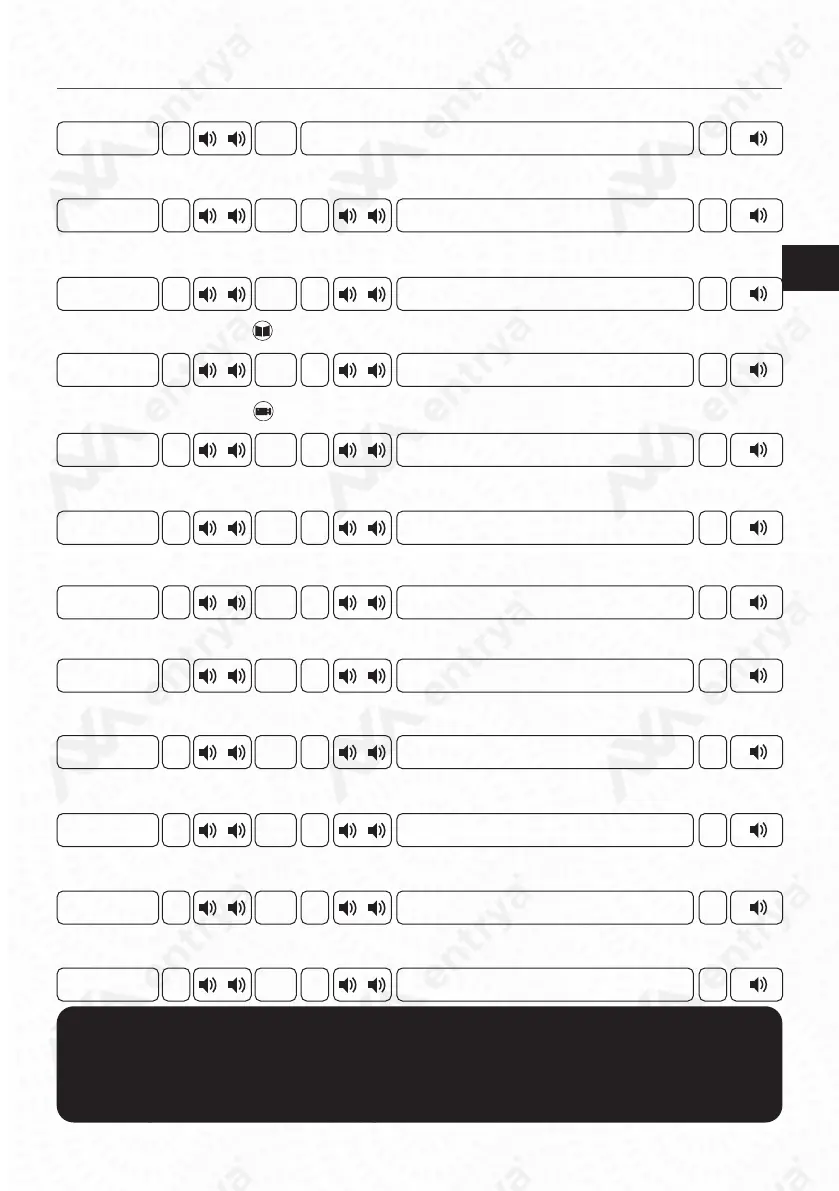
Mastercode
Mastercode
Mastercode
Mastercode
Mastercode
Mastercode
Mastercode
Mastercode
Mastercode
Mastercode
Mastercode
Mastercode
1 - 5
1 - 4
#
#
#
#
#
#
#
#
#
#
#
#
#
#
#
#
#
#
#
#
#
#
#
#
#
#
#
#
#
#
#
#
#
#
#
01
02
03
04
14
10
11
15
12
05
06
00
All texts and images in this manual are protected by copyright and intellectual property
of ENTRYA TECHNOLOGIES BVBA.
Conguration Door station
Congure Mastercode
Conguring Nightlight of the keypad
Set Unlocking Time Lock 2
Set Unlocking Time Lock 1
Set delay of the unlocking
Set the talking volume
Set address of the door station
Set Call Tone
Set System Type
Lock that is activated with manual button
Play sound when unlocking
Restauring Factory Settings
Default: 1234
Default: ON
Default: 7sec
Default: 7sec
Default: 0sec
Default: 3
Default: 1
Default: ON
Default: Villa
Default: Both
Default: Uit
New mastercode (4-12)
0: ON / 1: OFF
1: 0.5sec / 2: 1sec / ... / 20: 10sec
1: 0.5sec / 2: 1sec / ... / 20: 10sec
1: 0.5sec / 2: 1sec / ... / 20: 10sec
0: ON / 1: OFF
0: Villa / 1: Appartment
0: Lock 1 / 1: Lock 2 / 2: Both
0: O / 1: On
Restore Mastercode
Open the menu ‘Special fonctions’ in the indoor monitor M71(W).
Restore Mastercode for address:
1: 8001 2: 8002 3: 8003 4: 8004
Restore all mastercodes: 8000

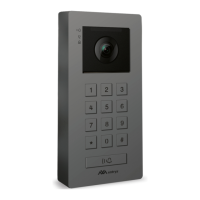

 To Next Page