EasyManua.ls Logo

Envirotec ET50H - User Manual

Default Icon
20 pages
Print Icon
To Next Page IconTo Next Page
Loading...
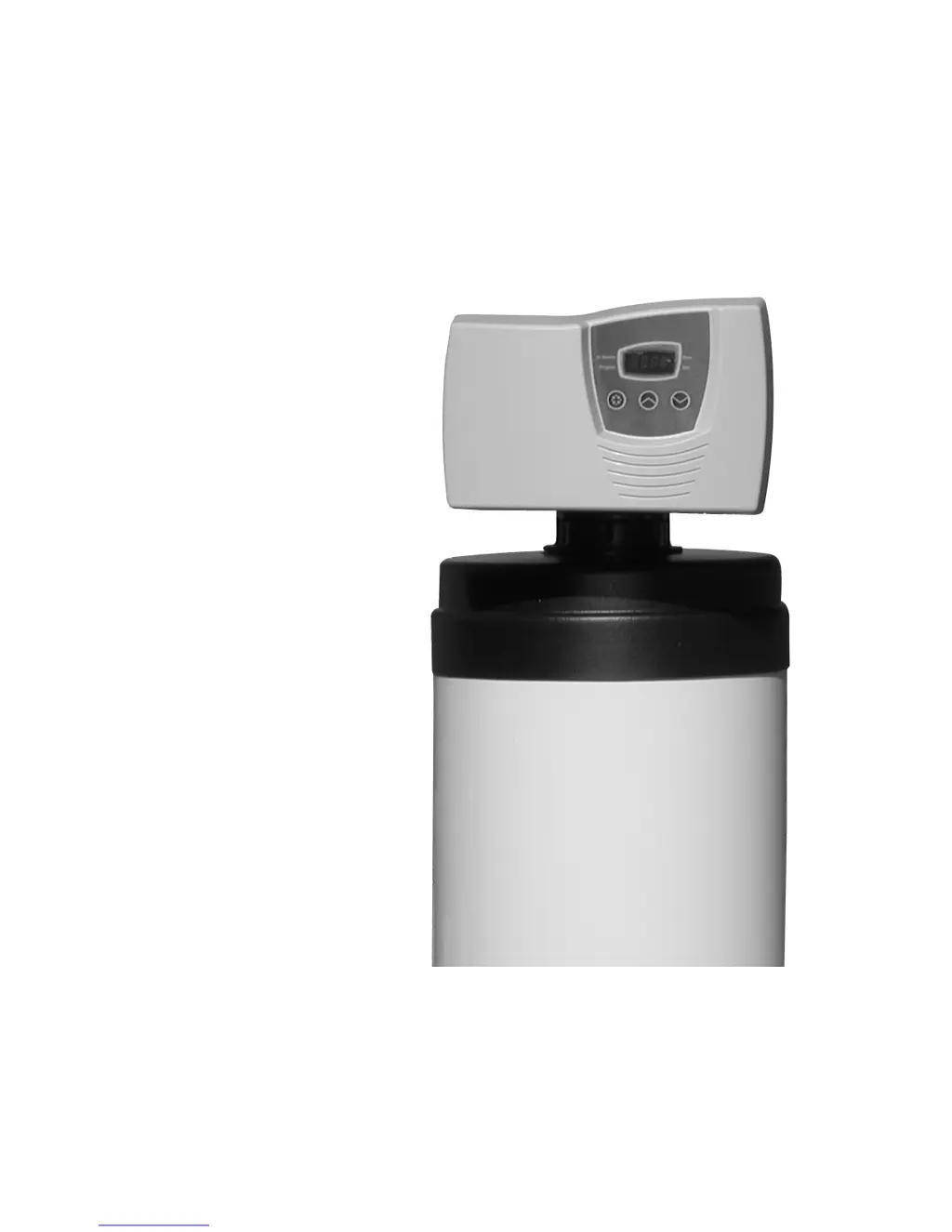
Owners Manual
For Water Softener/Conditioner Systems
Models: ET42H I ET50H I ET64H
P/N: 2-F70MDV-342 | 2-F70MDV-350 | 2-F70MDV-364
Includes: Specifications, Installation and Service Instructions, and Trouble Shooting Guidelines
Form ETWS 2/07 Page 1 of 20

Questions and Answers

Summary

INTRODUCTION

Only Use on Potable Water Supplies

Crucial information on water source requirements for installation and use.

Benefits of Soft;Conditioned Water

Lists advantages of using softened water for household applications.

Warnings and Precautions

General Operational Warnings

Key safety and operational guidelines including temperature, water supply, and handling.

Installation and Maintenance Warnings

Crucial advice on plumbing, warranty, and specific water conditions.

SPECIFICATIONS AND LIMITATIONS

Capacity and Efficiency

Details on grain capacity and system efficiency for different models.

Water Quality Parameters

Specifies maximum hardness, iron content, and minimum pH for water.

Operational Specifications

Covers regeneration time, water usage, pressure, and flow rates.

Physical and Electrical Requirements

Includes temperature limits, valve/drain sizes, electrical needs, and dimensions.

Storage and Weight

Information on salt capacity and approximate shipping weight.

INSTALLATION INSPECTION

Is Your Home Pre-Plumbed?

Guide to determine if the home has existing plumbing for the softener.

Non-Pre-Plumbed Installation Considerations

Factors for choosing a location, including water, drain, electrical, and surface.

INSTALLATION PROCEDURES

Step 1: Connect to Water Supply

Detailed steps for connecting the water supply to the softener.

Prepare Valve for Installation

Steps for attaching the bypass valve to the control valve.

Prepare Softener Loop

Steps for preparing the plumbing loop for connection.

Make Plumbing Connections

Final steps for connecting the supply lines to the bypass valve.

INSTALLATION PROCEDURES

Step 2: Connect to Drain

Instructions for connecting the drain line to the softener.

Drain Line Connection and Sizing

Steps for connecting and sizing the drain line tubing.

Step 3: Assemble Brine Tank and Connect Brine Line

Steps for assembling the brine tank and connecting the brine line.

Step 5: Connect the Electrical

Instructions for connecting the power supply to the unit.

Step 4: Start Up the System

Initial steps for powering on and starting the softener system.

Start Up the System

System Start-Up Procedure

Detailed step-by-step guide for initiating the water softener system.

Program the Valve Control

Set Time of Day

Procedure for setting the current time on the control valve.

Program Feed Water Hardness

Inputting local water hardness for system optimization.

Program Regeneration Time

Setting the automatic regeneration cycle time.

Factory Default Settings

Use and Care

System Type and Salt Usage

Explains system operation, salt types, and recommended levels.

Use and Care

Softened Water Content and Regeneration

Details on sodium/potassium content and regeneration noise.

Maintenance and Bypass Procedures

Covers cleaning, settings adjustment, bypassing, and vacation care.

Disinfection of the Water Softener

Hypochlorite Disinfection

Using sodium or calcium hypochlorite for system disinfection.

Troubleshooting

System Depressurization Warning

Critical safety step to depressurize before servicing.

General Troubleshooting Guide

Introduction to identifying and resolving common system issues.

Troubleshooting

Common System Malfunctions

Covers issues like regeneration failure, no softening, and salt usage.

Water Flow and Resin Issues

Addresses problems such as water pressure loss and resin media loss.

Water Quality and Brine Tank Issues

Solutions for iron in softened water and excessive brine tank water.

Bypass Valve Assembly

Brine Tank Assembly

Parts List

Identification of individual components for the brine tank assembly.

Manufacturers Warranty

Limited Warranty Coverage

Details warranty periods for various system components.

Warranty Exclusions and Limitations

Lists conditions that void the warranty and limitations of coverage.

Warranty Registration

Record Keeping Details

Section for noting model, serial, purchase, and installation dates.

Purchaser Information

Fields for capturing original owner's personal contact and address information.

Envirotec ET50H Specifications

General IconGeneral
Heating Power500W
Voltage220V
Frequency50Hz
TypeWater Dispenser
Cooling MethodCompressor
Hot Water Capacity5L
MaterialStainless Steel

Related product manuals