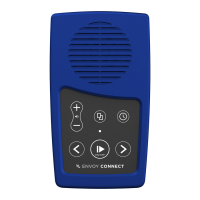
Page 13 Envoy Connect User Guide
- Book Loading Software: Each player is shipped
with a Windows software utility called CELA Connect.
If you or someone you know is a computer user, this
utility can simplify downloading books from CELA’s
website and correctly load them onto the Player for
you. This software is contained within the System
folder when you view the Player in Windows Explorer.
Simply run it to install CELA Connect on your
computer. When you install it, the software will
provide further instructions. A detailed CELA Connect
user guide can also be found in the Help menu of the
software.
- Player Version and Serial Number: Press and hold
both the Back and Forward buttons together when
playback is paused. The following information will be
voiced:
• Serial Number (e.g. 111000123)
• Player Type Number (e.g. Envoy Connect 123456)
• Firmware Version (e.g. T16)


 To Next Page
 Loading...