08 October 2019
3 Setting the Maximum Current
3.1 Standard EO Basic
On the standard EO Basic, it is not possible to change the maximum current value. This is only set in
the factory
3.2 Optional Reverse Position Switch (RVPS)
At the point of ordering, a cost extra can be specified which allows the installer to change the
maximum current of the EO Basic. This is the Reverse Position Switch (RVPS).
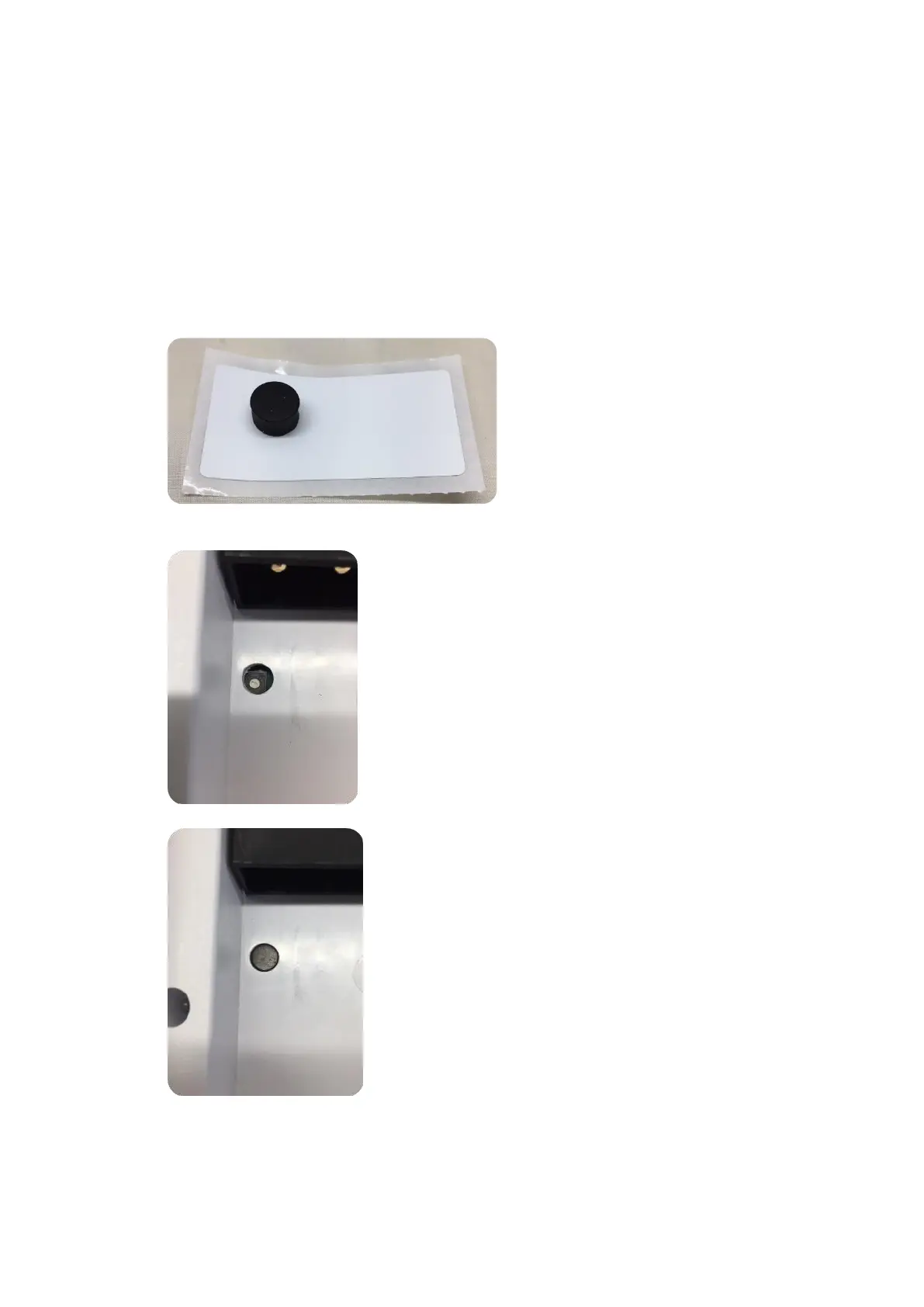
1) Remove the EO Basic from the packaging and locate the bung and the sticker
2) Set the Current Switch to the desired value using a small screwdriver. Refer to the table
below for switch position values
3) Insert the Bung into the hole



 To Next Page