3.15
Boot up
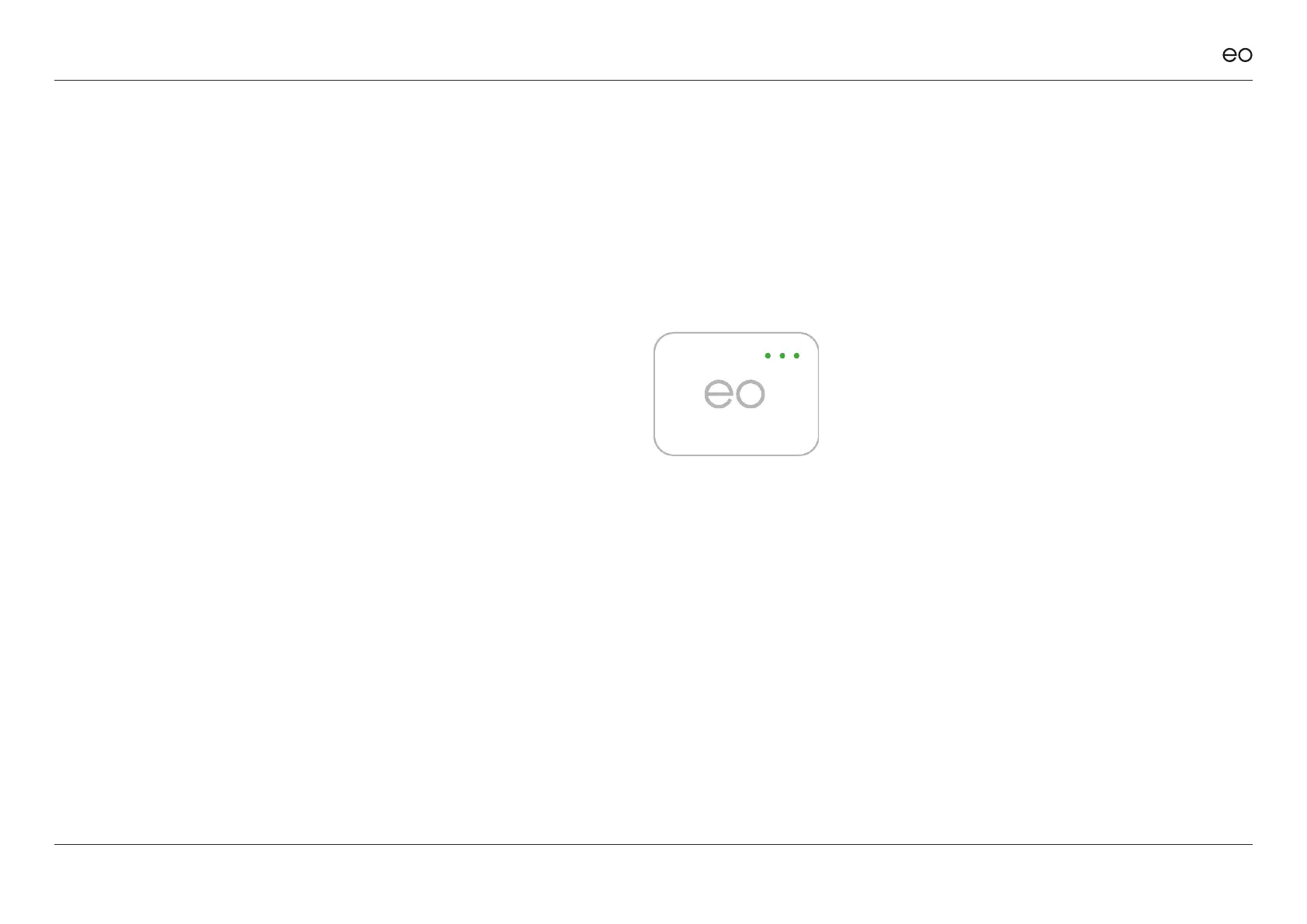
On power up, the EO Hub
performs a boot up sequence
which can take around 90
seconds to complete. Once the
Hub has successfully booted
and connected to the EO
Servers, all three LED’s should
be illuminated.
LED1 is on the far left
LED2 is in the middle
LED3 is on the far right
Note: If the EO Hub has been
unsuccessful at connecting to
the Internet and EO Servers,
LED1 (far left) will not be
illuminated.
If the above occurs, ports and
Internet access should be
veried to be working at source.
EO Genius & EO Hub Installation Guide
© EO Charging 2021 24
3.0
Ethernet connection
& Network security
settings.
Figure 13



 To Next Page