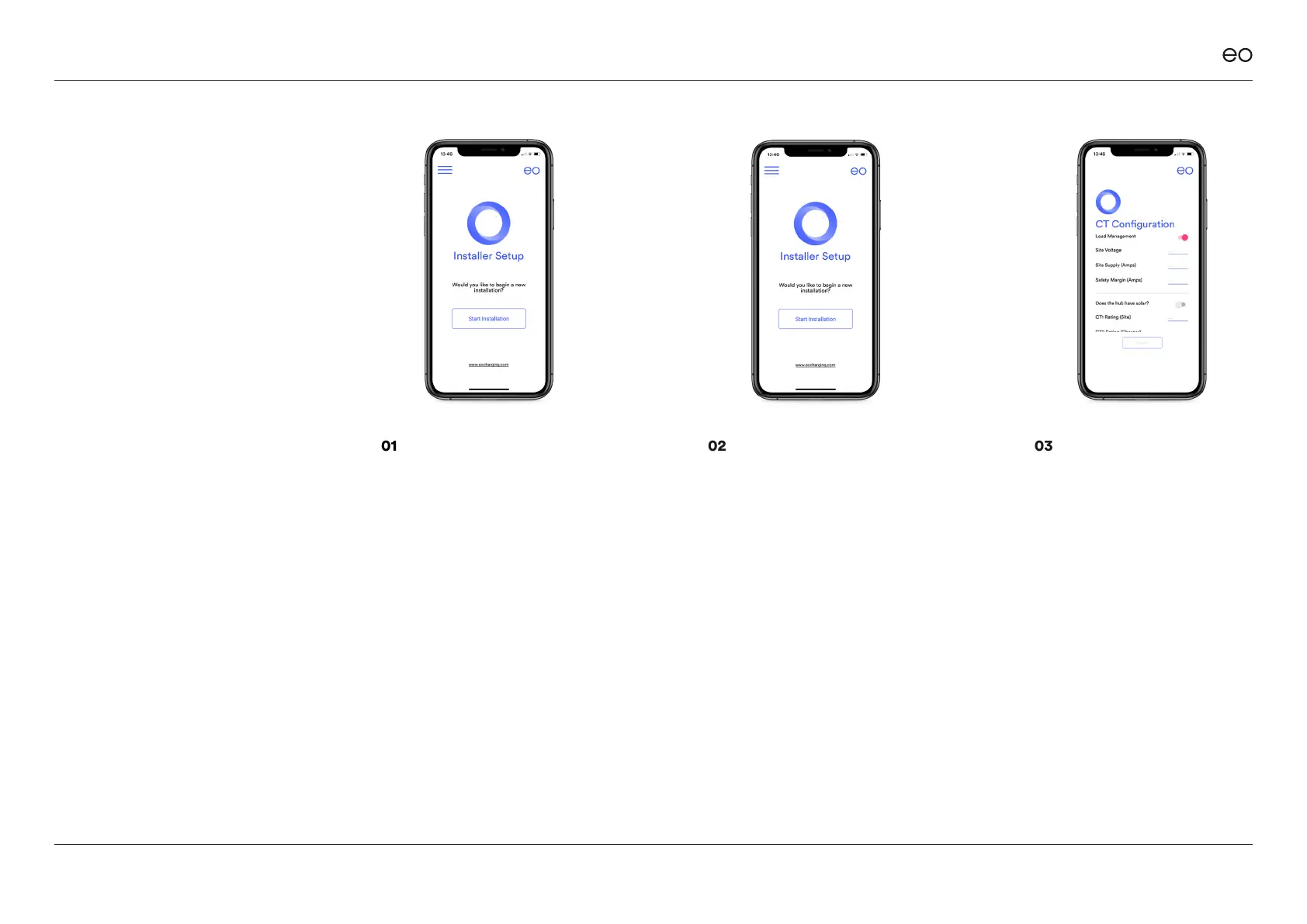
01
Select “Begin Installation” from
the left hand menu if the above
screen isn’t shown.
02
Click “Start Installation” and
the app shall ask the installer
to scan the QR code on the
side of the EO Mini Pro 2. Scan
the QR code and then the app
will attempt to join the Wi-Fi
hotspot of the EO Mini Pro 2.
EO Mini Pro 2 Installation & User Guide
© EO Charging 2020
03
If successful then the installer
will be able to congure the
following options:
+ Does the site need Load
Management? Yes/No
+ Site Voltage
+ Site Supply
+ Safety Margin (a 10% value
is automatically suggested)
+ Does the site have Solar?
+ CT Rating for Site/Load
Management
+ CT Rating for Solar
4.2
Installer -
Check the EO
Mini Pro 2 is
wired correctly.
The Installer must verify
that the Mini Pro 2 is wired
up correctly and that the
CT Clamps correctly. This
is done using these simple
steps:
13



 To Next Page