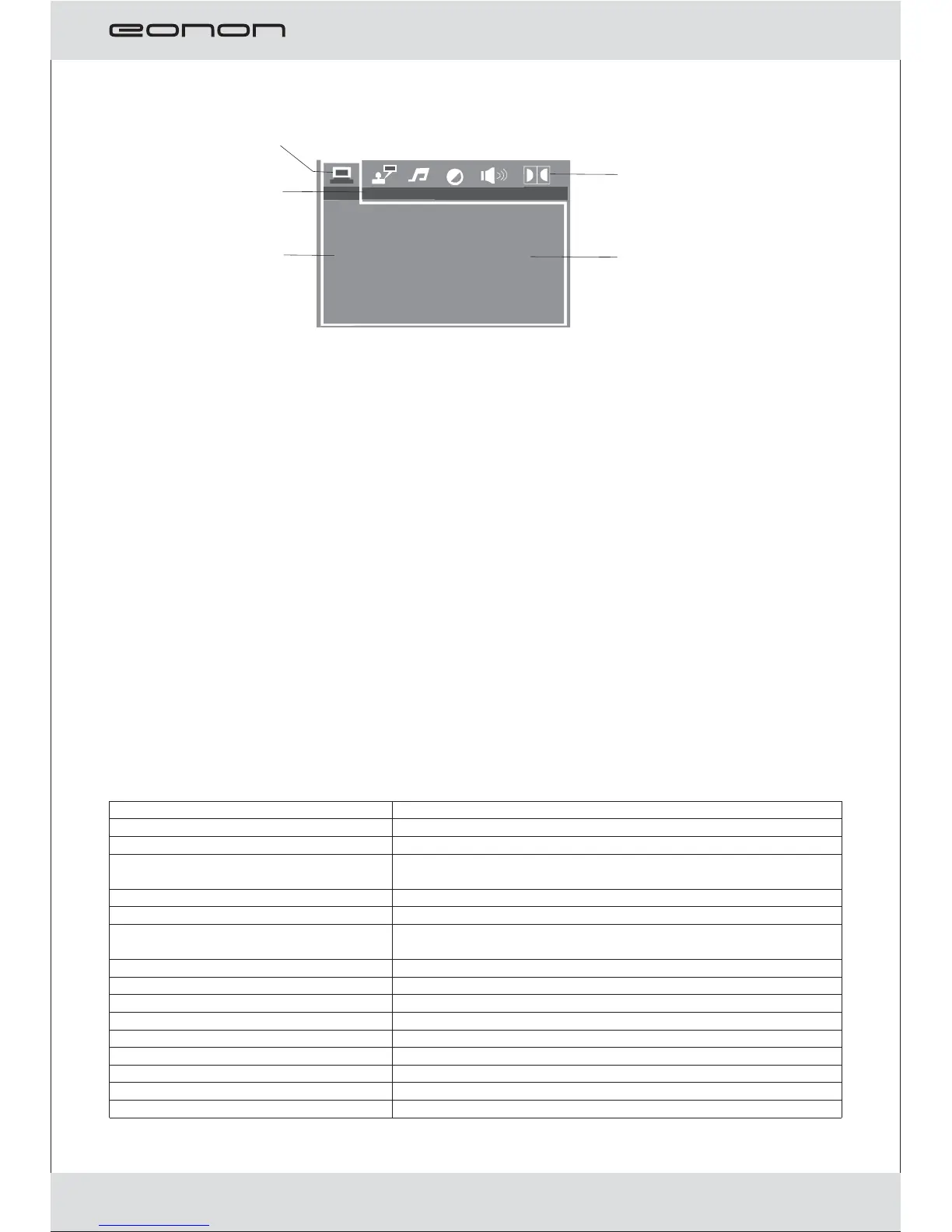
Move Up/Down to select the desired item,
Move Left/Right to select the desired item,
Press enter to confirm
Trouble shooting
No sound or bad sound effect
Please check audio shift setup.
Please adjust the receiving frequency to harmonized with the transmitting
frequency
No Picture
Check if cables are connected properly.
Video input is not yet set up correctly.
The monitor is on or off.
Poor picture
The color is not properly adjusted; please operate the remote controller to adjust
it.
The disc is scratched or spotted.
The remote control does not work properly.
There is an obstacle in the path of the remote control and this unit.
Remove the obstacle, check if remote control point to receiver or not. The
batteries in the remote control are exhausted. Replace the batteries with new
ones.
Note: please contact with the dealer or approved service center help if the
troubles can’t be solved by the methods offered..
Panel :
Screen sice:
Pixel:
Temperature:
Brightness:
color System:
Midea types:
Discs:
Memary carde:
USB:
Audio S/N:
Isolation:
Audio Input/Output:
Video Input/Output:
Power supply:
FM Frequency:
TFT-LCD
15inch (4:3)
Operation temperature -10 ~50℃℃
temperature - ~℃℃storage 30 75
450 Cd Sq M/.
PAL/NTSC/Automatically
CD-DA; VCD; SVCD; DVD-VIDEO; MP3;WMA;
SD
USB 2.0
>80db
>65db
1.6V±20%
1Vp_p±20%/750hm
DC12V
88.1~89.1MHz
JPEG;MPEQ1/2;DIVX
DVD;DVD-R;DVD-RW;CD;CD-R;CD-RW;DVCD
TV SYSTEM
AUTO PLAY
VIDEO
TV PLAY
PASSWORD
RATING
RESUME
DEFAULT
SYSTEM SETUP
MENU
Menu Title
Selection zone
Show the current
manu
Select the desired
item to setup
Technical Specifications
Your attention please:
The design and specifications are subject to change without notice
9



 To Next Page