7
AUDIOAUDIOAUDIO
PICPICPIC
USERUSERUSER
BACKBACKBACK
ON
ON
EURD
ON
BEEP
SAFETY
AREA
CAMERA
AUDIOAUDIOAUDIO
PICPICPIC
USERUSERUSER
BACKBACKBACK
TV SETUPTV SETUPTV SETUP
FORMAT
PRESET
MANUAL
AUTO SEARCH
SKIP
PAL I
008
SCAN
OFF
49.75MHZ
AUDIOAUDIOAUDIO
PICPICPIC
USERUSERUSER
BACKBACKBACK
BASS
TREBLE
BALANCE
FADER
EQ
0
0
C0
C0
FLAT
AUDIOAUDIOAUDIO
PICPICPIC
USERUSERUSER
BACKBACKBACK
BRIGHT
CONTRAST
SHARP
COLOR
HUE
50
50
50
0
50
AUDIOAUDIOAUDIO
PICPICPIC
USERUSERUSER
BACKBACKBACK
ON
ON
EURD
ON
BEEP
SAFETY
AREA
CAMERA
TV SETUPTV SETUPTV SETUP TV SETUPTV SETUPTV SETUP
TV SETUPTV SETUPTV SETUP
Touch the TV or AUX icon and change to TV mode or AUX mode. You can make
adjustment through the below sub-menu.
8
BLUETOOTHBLUETOOTHBLUETOOTH
RADIORADIORADIO
CALLING OUT.......
1 2 3 4
5
6
7
8
9 0
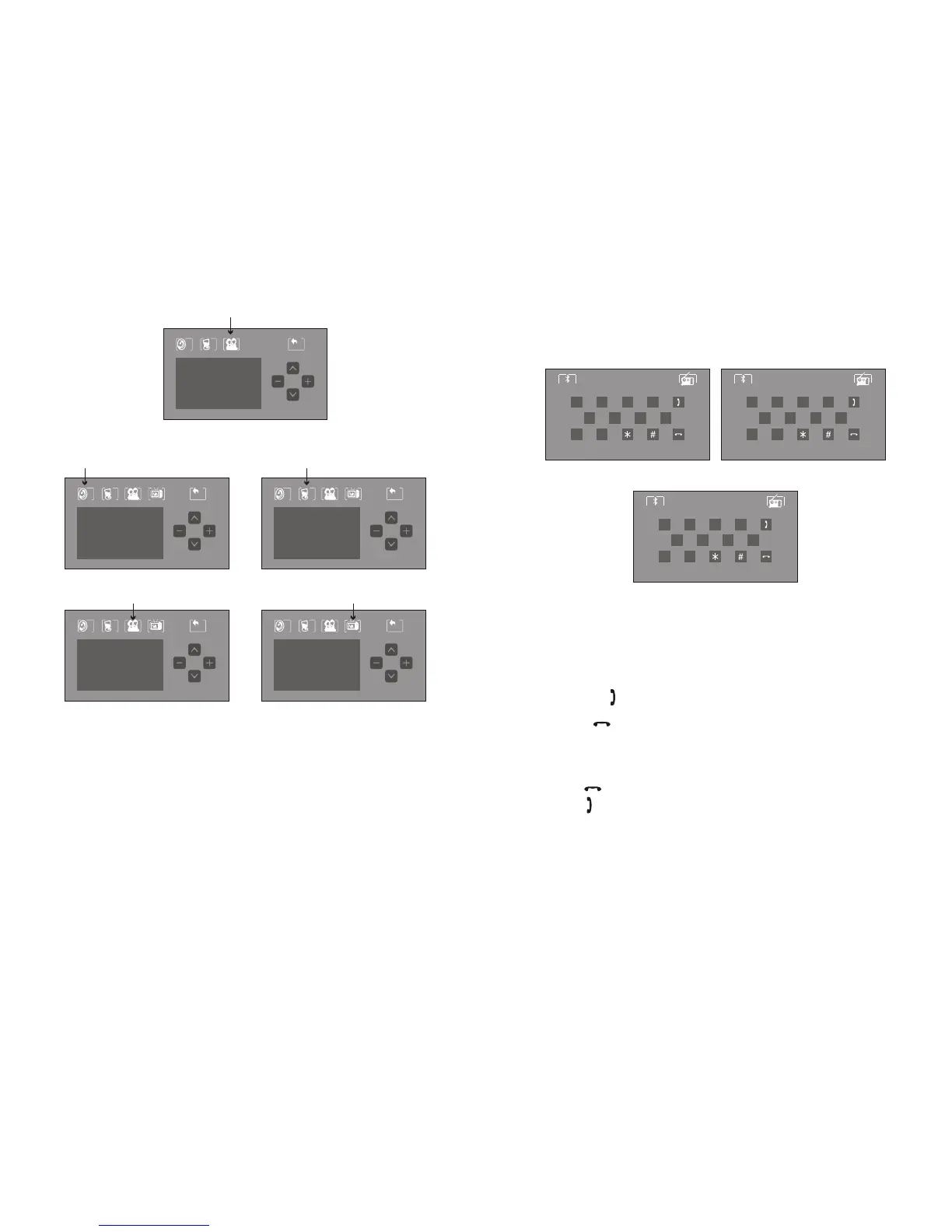
Bluetooth Operating Procedure
1) First turn on the Bluetooth of the cell phone and search for an accessory “BIGSOUND”.
Enter password “8888” and connect the call phone to the DVD device.
2)Touch the upper central part of the screen to display the main menu.
Touch the “Bluetooth” logo on the right corner to enter Bluetooth mode.
3) once in Bluetooth mode and with cell phone connected, user can dial calls and
receive calls.
4)Press the green “ ” to receive in-coming calls, numbers will be displayed on the
screen.
5)Press the red “ ” to end calls.
6)Press the “Bluetooth” logo on left corner to switch the conversation form speaker to
cell phone .Bluetooth connection will end (To re-connect, touch the "BLUETOOTH"
icon on the main menu. After about 8 second, it will automatically re-connect.)
7)When enter the worng phone number.
Press the red “ ” to delete and re-enter.
Press green “ ” to re-dial the last number dialed.
**For some cell phones, you must exit all sub-menu and return to the
front page first. Then dial call by the touch screen of the DVD device.
BLUETOOTHBLUETOOTHBLUETOOTH
RADIORADIORADIO
TEL:
1 2 3 4
5
6
7
8
9 0
BLUETOOTHBLUETOOTHBLUETOOTH
RADIORADIORADIO
TEL:00000000000
1 2 3 4
5
6
7
8
9 0
Touch the GPS icon and the screen would switch to GPS mode automatically.
Then you can set up the navigation.



 To Previous Page
 Loading...





