16
6.5. LANGUAGE
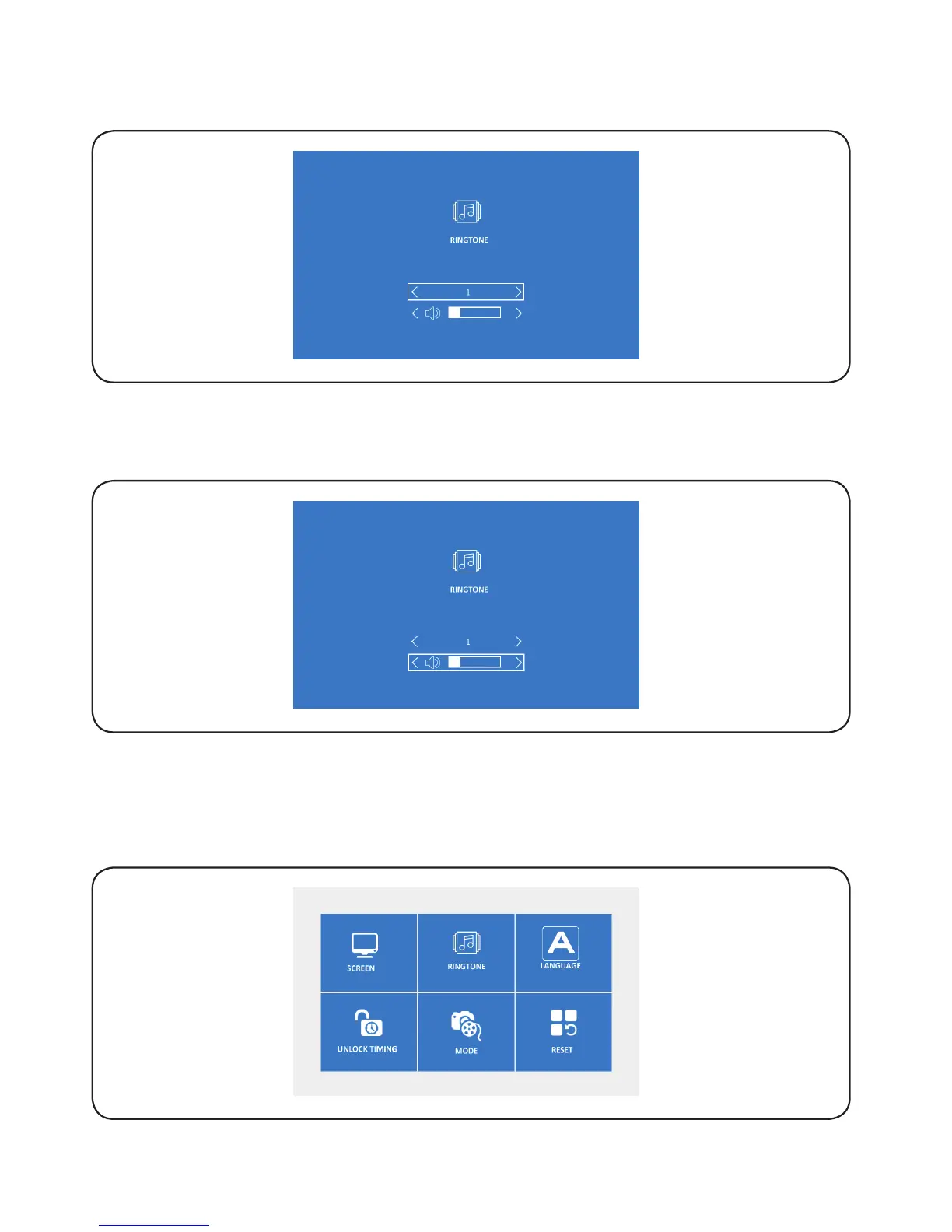
6.5.1. Press ‘left/right’ to select ‘Language’, and then press ‘OK’ to confirm and
access the selected setting.
6.4.2. Press ‘OK’ to select the required icon, and then press ‘left/rignt’ to adjust the
ringtone volume, press ‘OK’ to save and exit.
6.4.3. Press ‘OK’ to select the required icon, and then press ‘left/rignt’ to select the
ringtone, press ‘OK’ to save and exit.


 To Next Page