POWERED BY
17
SERIESSERIES
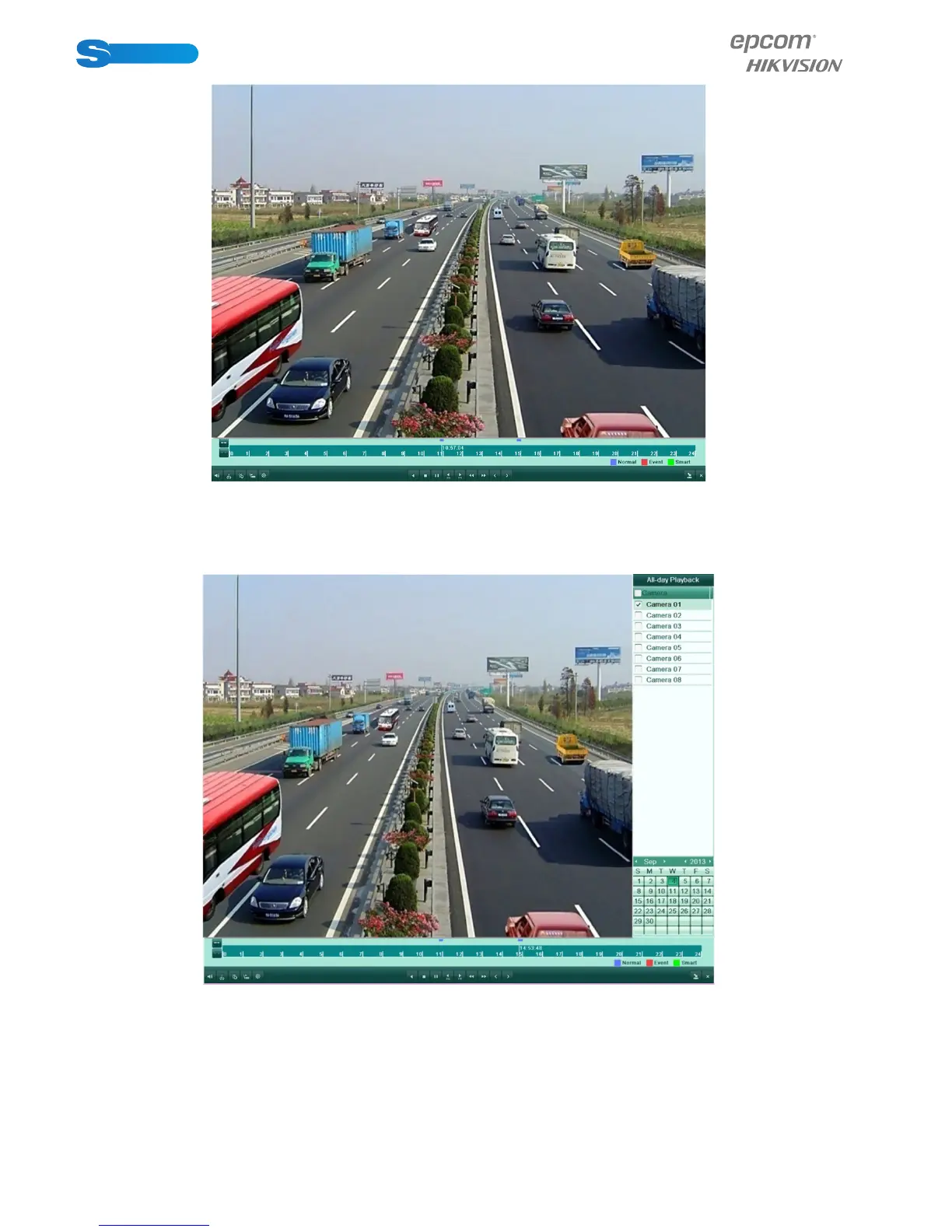
The channel and time selection menu will display by moving the mouse to the right of the
playback interface.
Tick the channel or channels if you want to switch playback to another channel or execute
simultaneousplayback of multiple channels.
Backup
Recorded files can be backed up to various devices, such as USB flash drives, or USB HDDs.
To export recorded files:
1. Click Menu>Export to enter Video Export interface.



 To Next Page