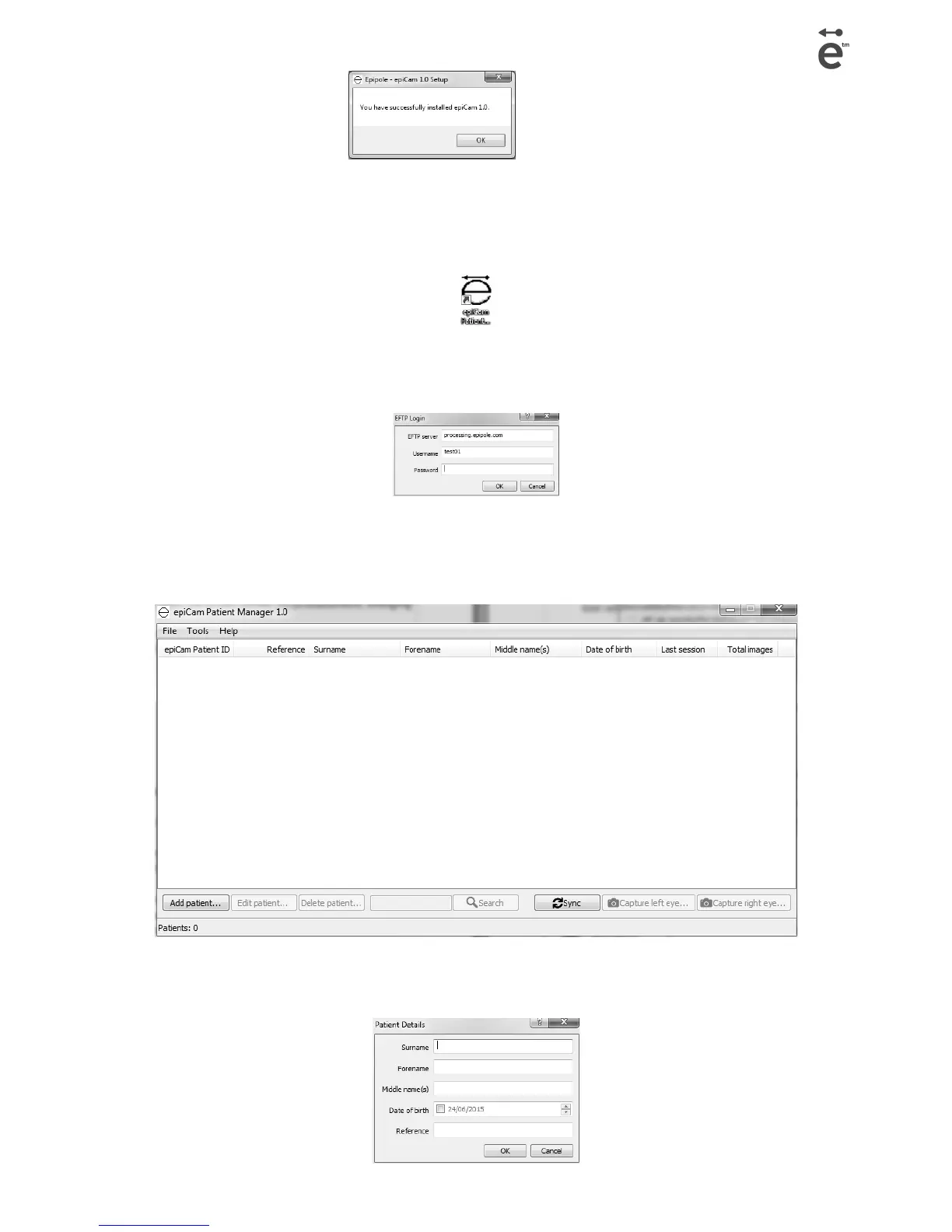
• The epiCam Patient Manager shortcut will be added to your Windows Start menu and an icon will
be added to your desktop.
• Launch the software. You will be prompted for a password which can be found on your Account
Card.
• The epiCam Patient Manager will open, this will enable you to add,edit and delete patient details
before taking images of their eyes. It is also used to synchronise (sync) images with epipole's
secure image storage service.
Add patient
Page 8 epiCam H3 version 1.0



 To Next Page