Set the indicator to “Yes” by moving the toggle key to the
right and enter Address (IP address or server name) and
Port for the data manager server location:
Note: The server name and port number shown are examples
only.
Note: Secure synchronization is available only when
Transport Layer Security (TLS) is enabled on the data
manager server.
5
2. Return to the Home page and sign out of the Administrator account:
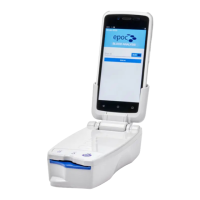
The epoc NXS Host is now ready for use.


 To Next Page