Need help?
Do you have a question about the Epomaker NiZ Plum 68 and is the answer not in the manual?
Details Epomaker's warranty coverage for factory defects and exclusions.
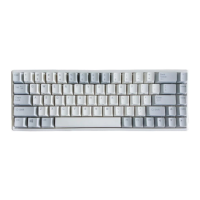
Details the technical features, materials, and dimensions of the keyboard.
Instructions for pairing, connecting, and switching Bluetooth devices.
Steps to restore the keyboard to its original factory settings.
Instructions for downloading and installing the keyboard configuration software.
Step-by-step guide to update the keyboard's firmware.
Guide to using the KBD84 software for keyboard configuration.
 General
| Brand | Epomaker |
|---|---|
| Model | NiZ Plum 68 |
| Category | Keyboard |
| Layout | 65% |
| Switch Type | Electro-capacitive |
| Keycap Material | PBT |
| Backlight | RGB |
| Programmability | Yes |
| Connectivity | USB-C |
| Actuation Force | 45g |
| Compatibility | Windows / macOS |


 To Next Page