EXPAND 80 Bluetooth Speakerphone
Getting started17
Installing EPOS software
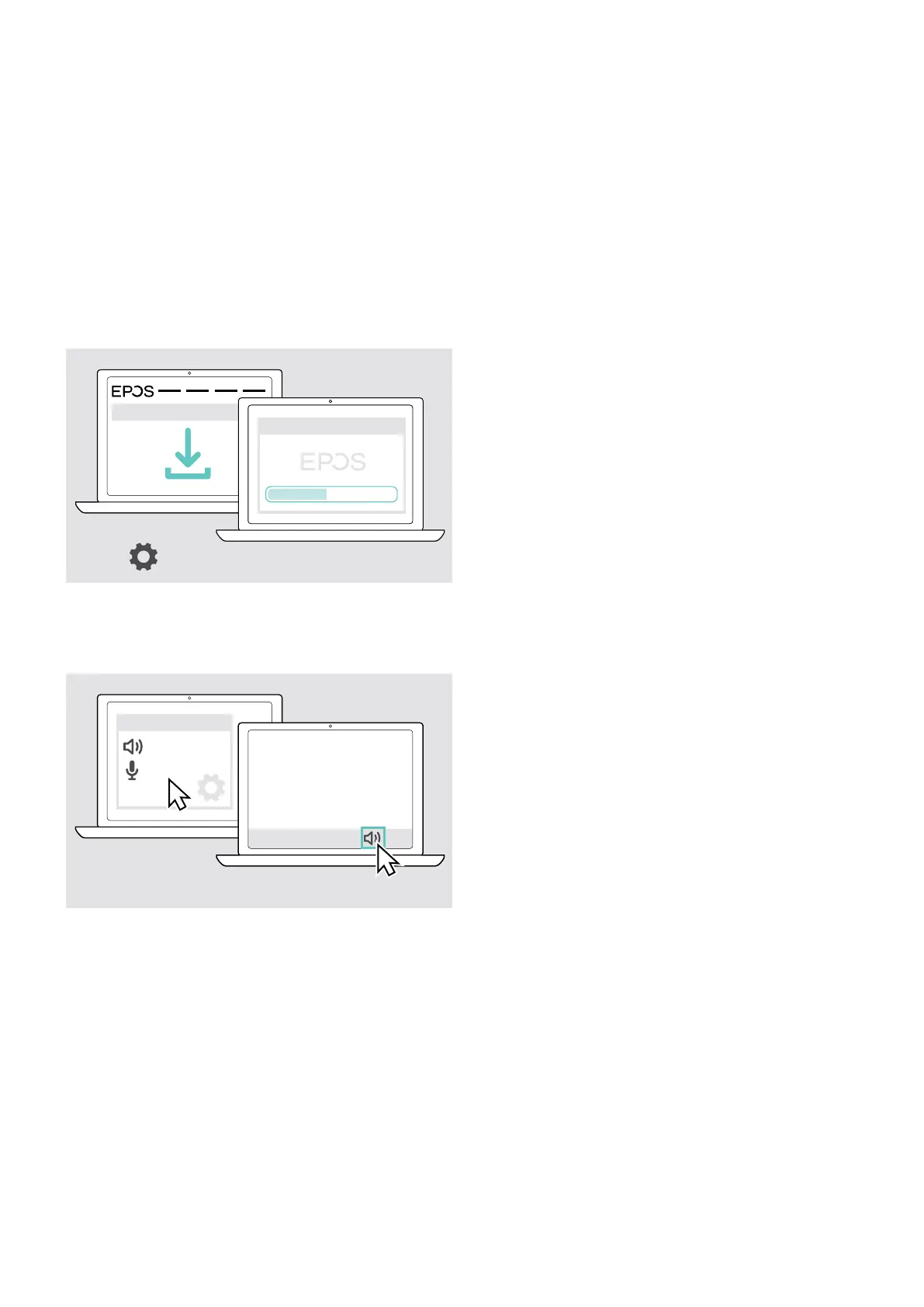
The free EPOS software allows you to add value to your EPOS products. It enables easy set-up, conguration and update
of your speakerphone.
Examples of supported settings and congurations in EPOS Connect:
• Bluetooth on/o,
• Device name
• Personal/shared mode,
• Manage pairing list
• Sounds and notications including voice prompt language
• Factory reset
EPOS Connect oers further congurations and additional settings – see options in the software.
w ww.eposaudio.com/connect
EPOS Connect
x
EPOS Connect
X Download the software from
www.eposaudio.com/connect.
X Install the software.
You need administrator rights on your computer – if
necessary, contact your IT department.
To make calls via the computer:
X Install a softphone (VoIP Software) or ask your admin for
support.
Changing Audio settings for the speakerphone – Microsoft
®
Windows
x
Audio settings
EXPAND
EXPAND
Windows usually changes the Audio settings automatically
if you connect a new device.
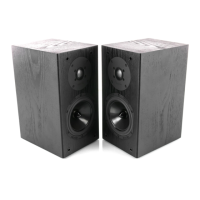
If the speakerphone is connected but you hear no sound:
X Right-click the Audio icon.
X Select under output EXPAND 80 as speaker.
X Select under input EXPAND 80 as microphone.


 To Next Page