Need help?
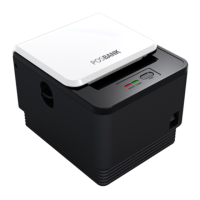
Do you have a question about the EPOS T-12 and is the answer not in the manual?
Features LED indicators for status and switches for printer operation.
Instructions and diagrams for connecting various cables to the printer.
Notes on using correct paper rolls and steps to load them.
Details DIP switch settings for serial, parallel, and baud rate configurations.
Explains LED indicator patterns for printer status, errors, and modes.
Details input voltage, current consumption, and power connector information.
 General
| Auto Cutter | Yes |
|---|---|
| Print Method | Thermal |
| Printing Technology | Thermal |
| Print Speed | 150 mm/s |
| Resolution | 203 dpi |
| Interface | USB |


 To Next Page