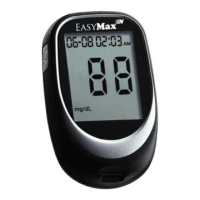
EasyMax Test Strip
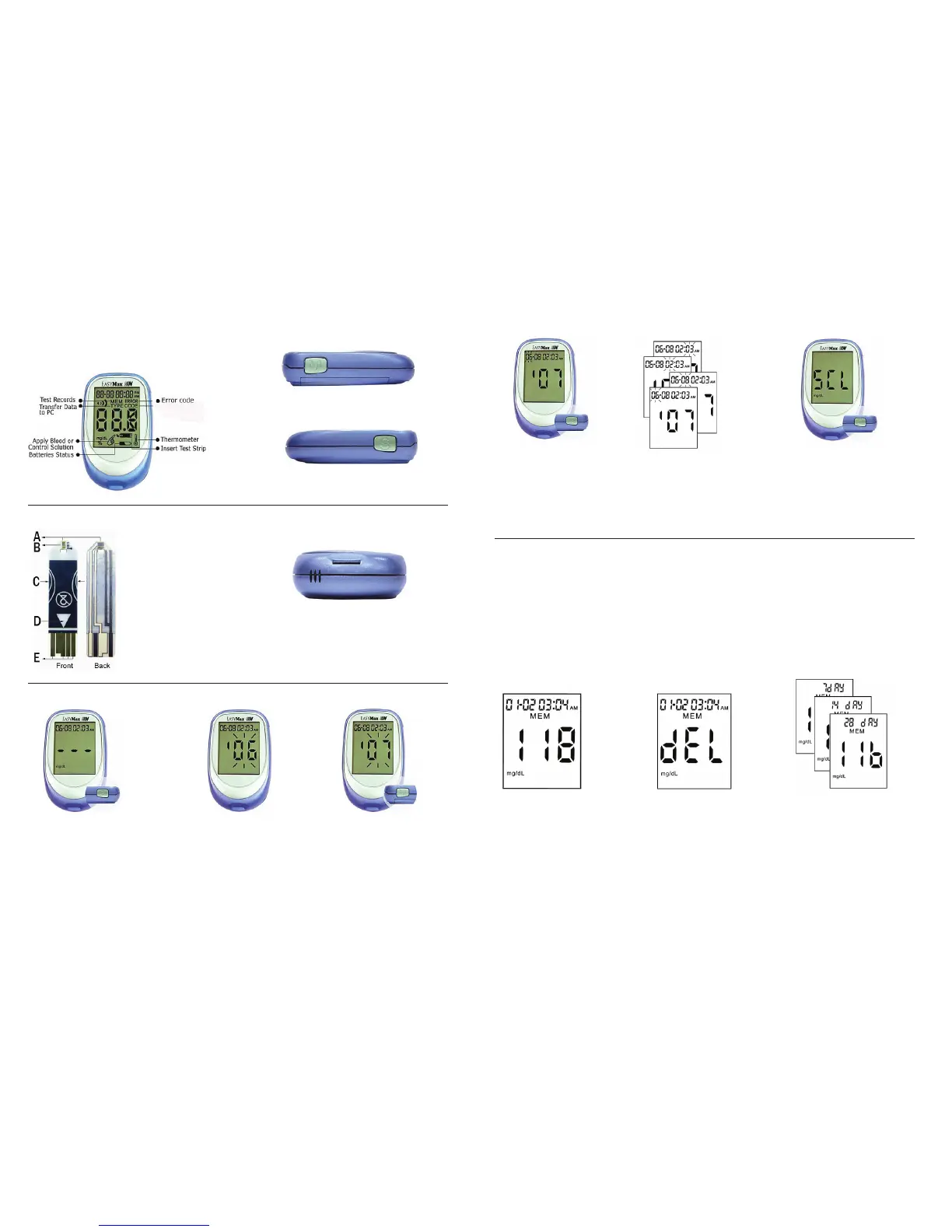
Setting the Time and Date - First Time Use
A. Blood Collection Area
B. Reaction Area
C. Hand Hold Area
D. Strip Insert Direction
E. Electrode
Strip Slot
To insert test strip or check strip.
1. Press and hold the “S”
button until turning the
meter on. Press “S”
button and release to
enter setting mode.
2. The time and date appear
on the display. The year
ashesatthecenterofthe
display.
3. Press “M” button to adjust
the year. Press and hold
“M” button to scroll faster.
Page 5
Chapter 1: Understanding Your Meter
The EasyMax N Blood Glucose Meter
S Button
To turn on the meter or go into Setting Mode.
M Button
To turn on the meter or read records.
Memory, Storing Test Results
This meter stores a maximum of 480 test results with the time and date of the test. You can review
thematanytime.Whenthememoryisfull,theoldestresultisdroppedasthenewestisadded,soit
is very important to have the correct time and date set in the meter.
Note:
1. The memory is not lost when you replace the battery. The time and date will remain correct.
2. Once 480 results are in memory, adding a new result causes the oldest one to be deleted.
3. Control Solution values will be included in the memory and averages. Refer to the section
“Viewing & Deleting Test Results” to delete the control solution values before averaging test
results.
Viewing & Deleting Results
1. Press and hold the “S”
button until turning the
meter on.
2. Press the “M” button to
view the last test result.
3. Press “S” to view the
previous results in order
from the most recent to
the oldest.
4. To delete a test result,
Press and hold “M” for
more than 3 seconds. The
display will show “dEL”.
5. Continue pressing “M”
without releasing, the
currently viewed result
will be erased.
6. Press “M” and release to
review the average results
for the last seven days.
7. Press “S” to view averages
for 14 or 28 days.
8. Press “M” to close the
memory mode.
Page 6
4. Press and release “S”
button to set the year.
The month will then
ash.
6. Pressthe“S”buttontoconrm
the setting. The display will
show “SCL” and the unit of
measurement. Press the “S”
button again, to go to the screen
shown in Step 1. Press and hold
“S” for more than 3 seconds, and
the meter will turn off.
Note: The unit of Blood Glucose Meter is set at mg/dL
without any modication function.
5. Repeat step 3 and 4 to
set the date, hour and
minute.Theashingeld
is the one you are setting.


 To Next Page
 Loading...