4.
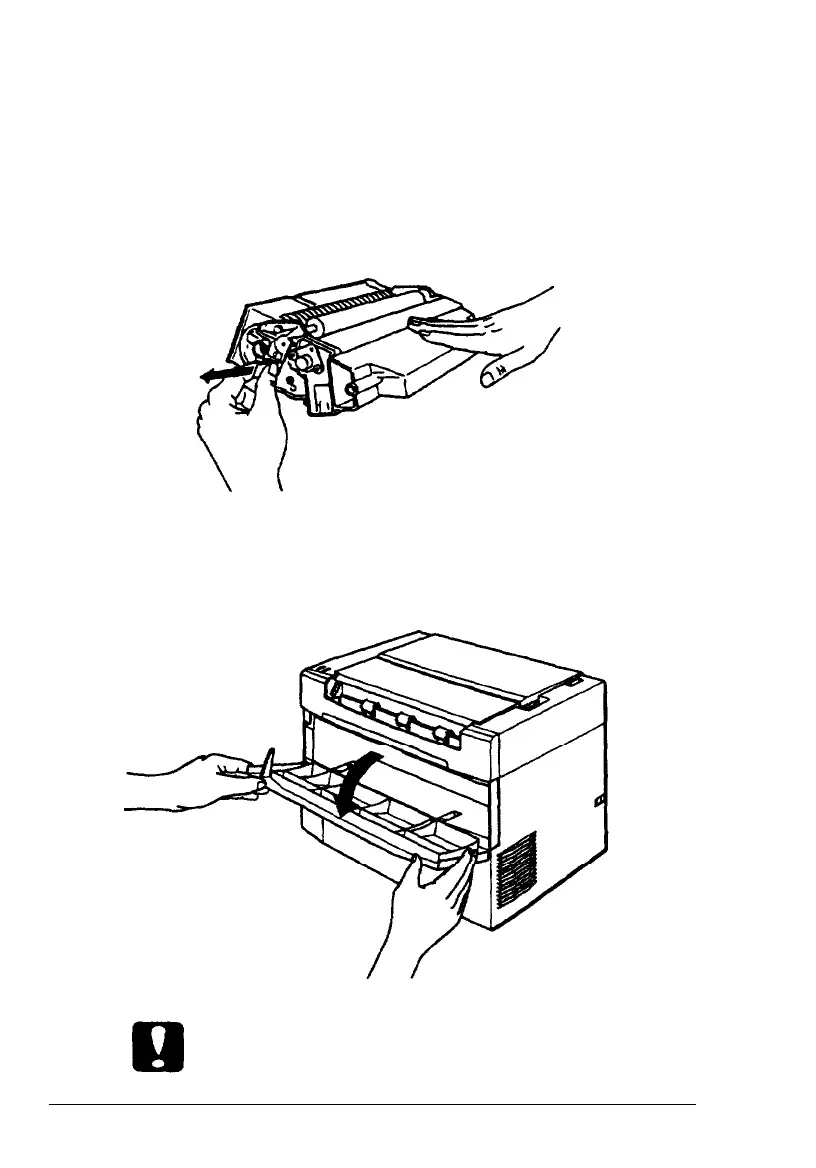
Set the toner cartridge on a clean, flat surface.
5.
While holding the cartridge steady with one hand, firmly
grip the tab on the left side of the cartridge. Pull the clear
seal all the way out with firm, even pressure as shown. Do
not pull up on the seal.
6.
Open the front
cover by pulling the top of the cover toward
you.
Caution:
Do not lean on or rest heavy objects on the open front cover.
4
Setup










 To Next Page