42
EMP-S1 User’s Guide
Troubleshooting
When You Suspect a Problem
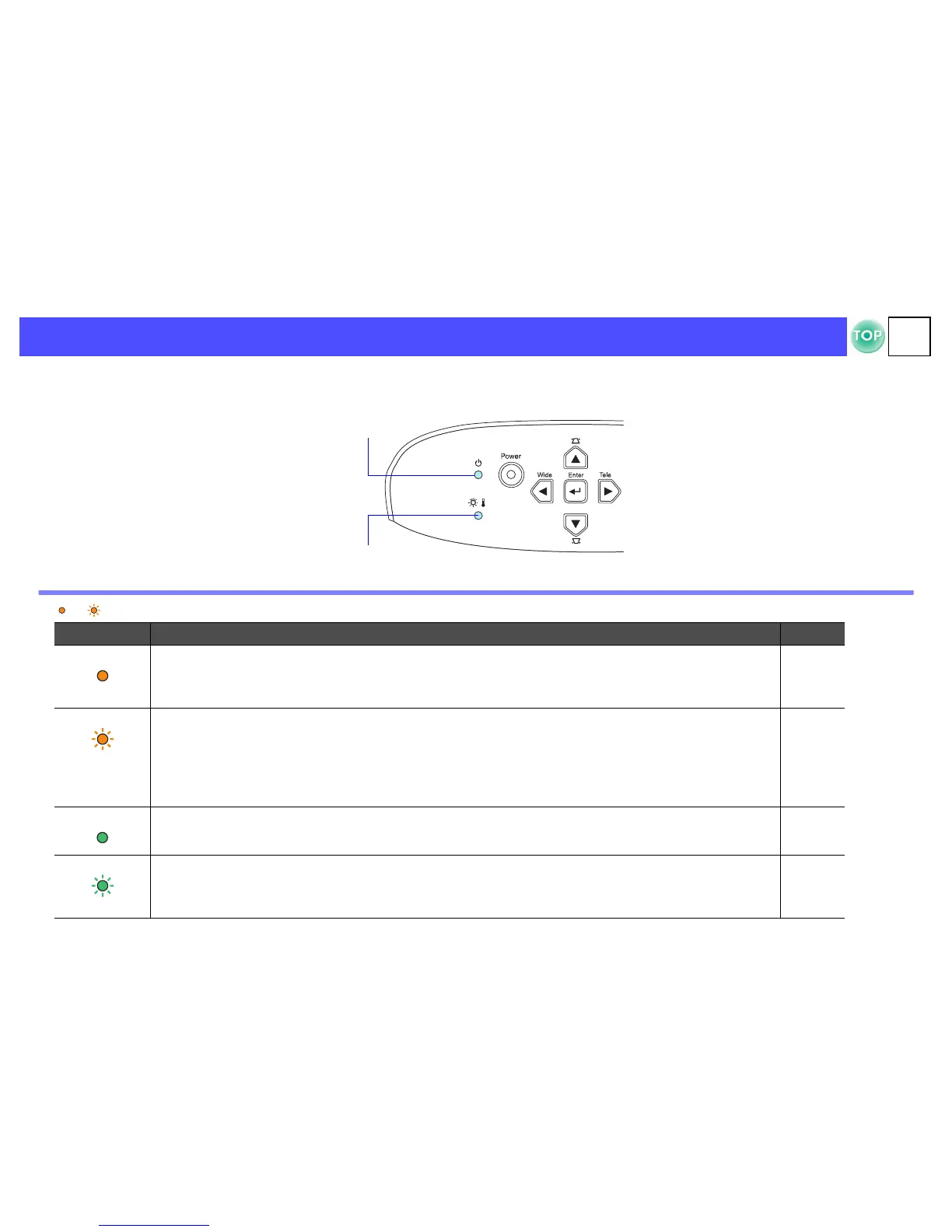
First, check the indicators on the projector.
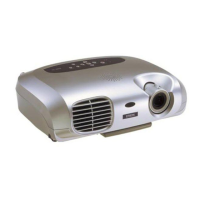
There are two indicators on the projector unit which notify you of projector conditions.
Power indicator
lit flashing • If the indicator is not lit, the power supply is not on.
Condition Cause/Remedy s
Orange Standby state
(Not abnormal)
The power cable should only be disconnected when the projector is in this state.
Press the [Power] button to start projection.
P.20
Orange Cool-down in progress
(Not abnormal)
• Please wait.
The cool-down period lasts about 20 seconds.
• You cannot operate the [Power] button during the cool-down period. Press the power button again after cool-
down has finished.
P.22
Green Projection in progress
(Not abnormal)
P.20
Green Warming-up
(Not abnormal)
Please wait.
Warming up takes about 40 seconds. When warming up is complete, the indicator changes to steady green.
P.20
Power indicator
Warning indicator


 To Next Page