Printed in XXXXXX XX.XX-XX XXX
Start Here
Unpack
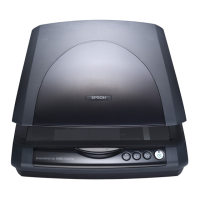
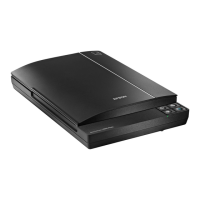
Perfection 3490 Photo
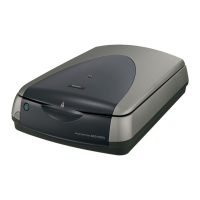
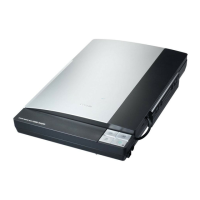
Perfection 3590 Photo
Unlock
Unlock the transportation lock.
Note: The setup illustrations show the Perfection 3590 Photo scanner, but the instructions are the same for the Perfection 3490 Photo.
Install software
Click Install and follow the on-screen instructions.
Insert the Scanner Software CD.
Macintosh OS X:
Double-click the CD-ROM
icon on the desktop.
Connect and turn on
Connect the USB cable.
Connect the power adapter and cable to turn on the scanner.
Assemble
Note: Do not connect the USB cable yet.
Connect the cover cable.

 Need help?




 To Next Page
 General