14 Setting Up the Projector
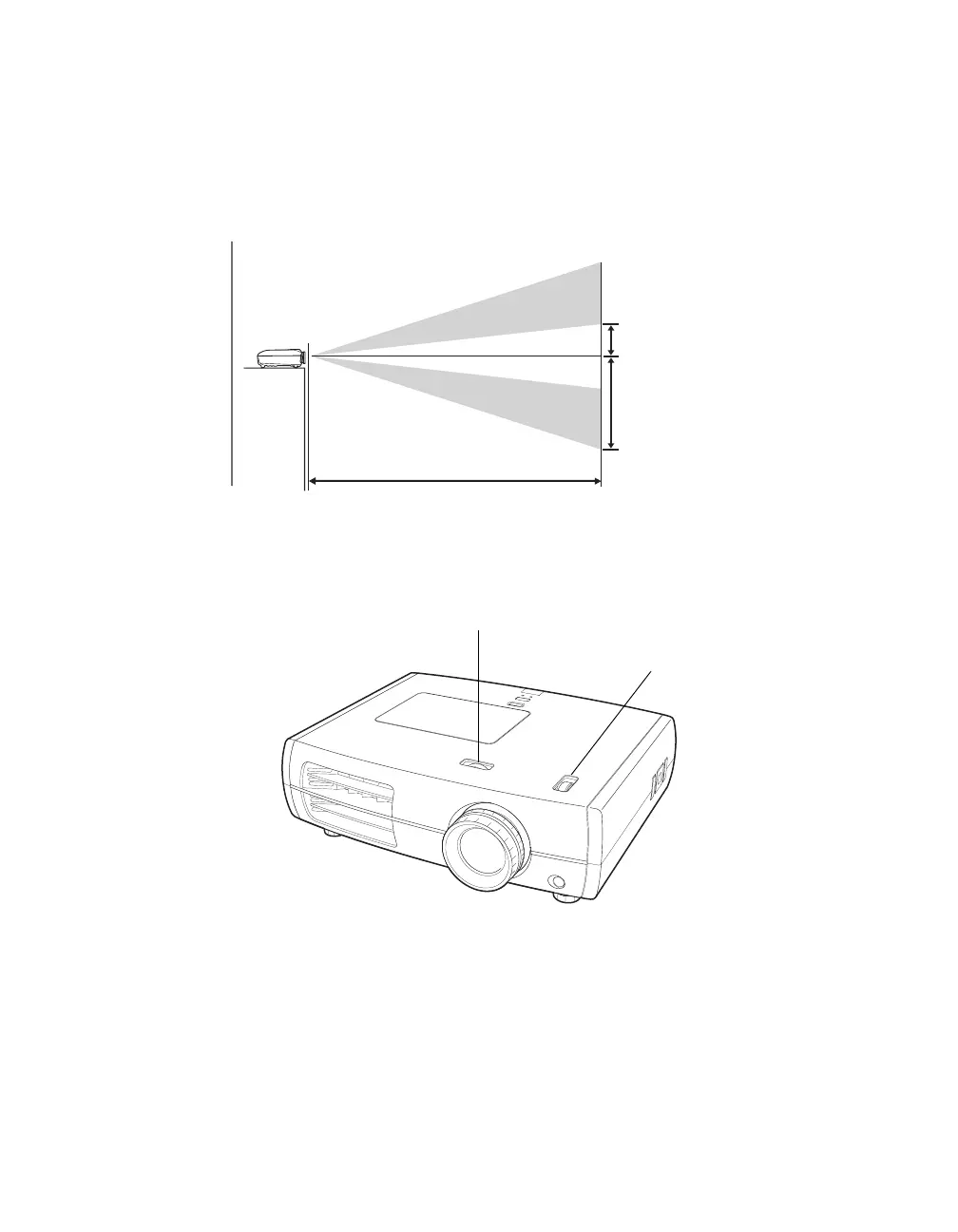
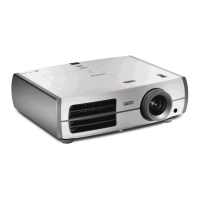
Ideally, keep the projector level and place it at a height so its lens is centered between the top
and bottom of the screen, as shown below. If this is not possible, you can use the lens shift
dials to reposition the image. As a rule of thumb, you can use lens shift to move the image up
or down by nearly its full height, and left or right by about one-half its width (for details, see
page 26).
If you place the projector off to the side, aim it straight ahead (rather than at the center of the
screen), then use the horizontal lens shift dial to center the image on the screen.
Caution: Do not try to move the lens by hand, or you may damage the projector. Always use the
lens shift dials to change the lens position.
Projection distance
Offset A
Offset B
Offset refers to distance from
bottom of image to center of
lens using maximum lens shift.
Vertical lens shift dial
Horizontal lens shift dial



 To Next Page