Making Basic Adjustments 27
Making Basic Adjustments
Follow the instructions in this chapter to make basic adjustments to the image shape, size,
color, and quality. For further refinements, see “Making Detailed Adjustments” on page 33.
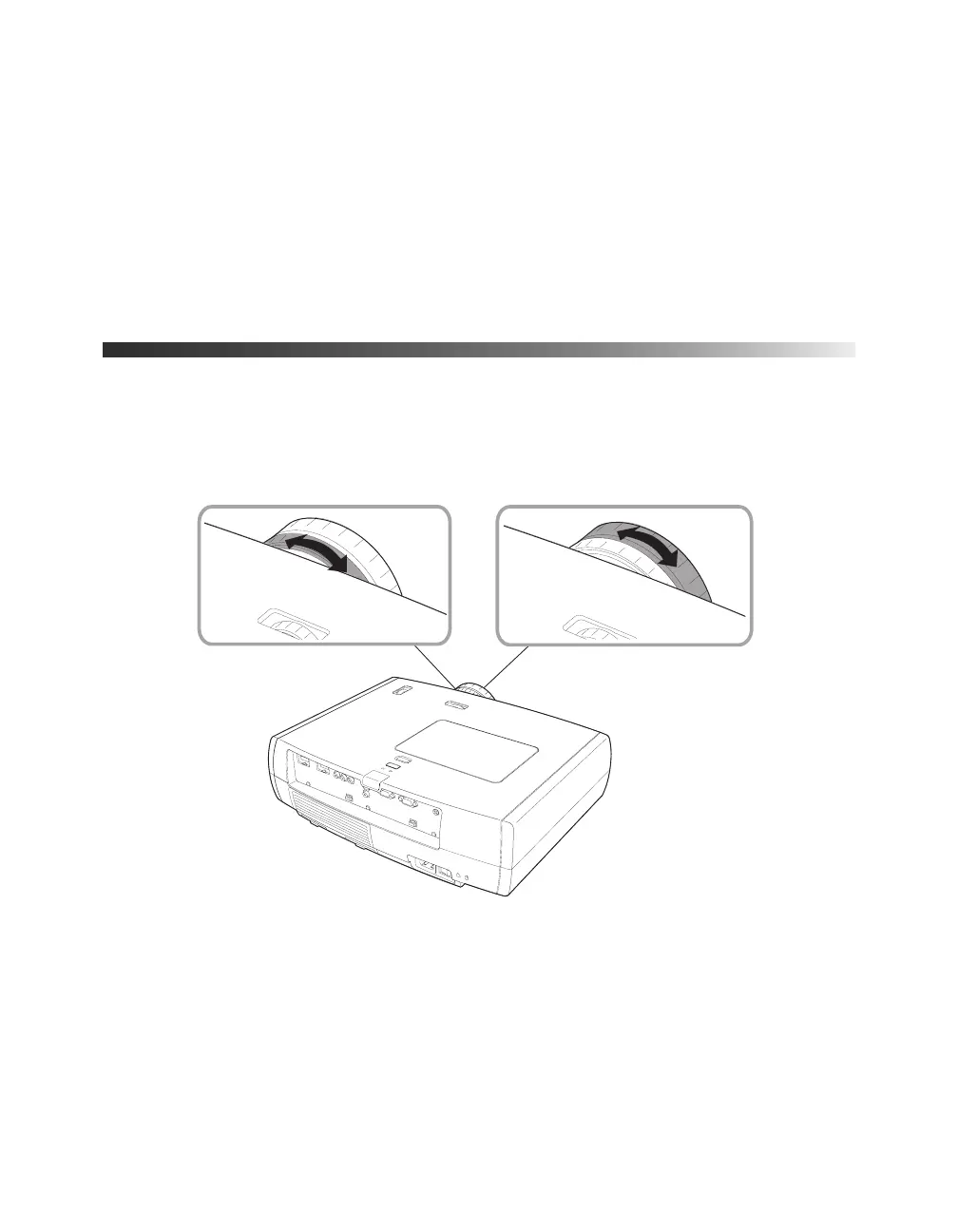
Focusing and Zooming
Use the focus ring to sharpen the image.
Use the zoom ring to reduce or enlarge the image.
Focus ring
Zoom ring









 To Next Page