20 Setting Up the Projector
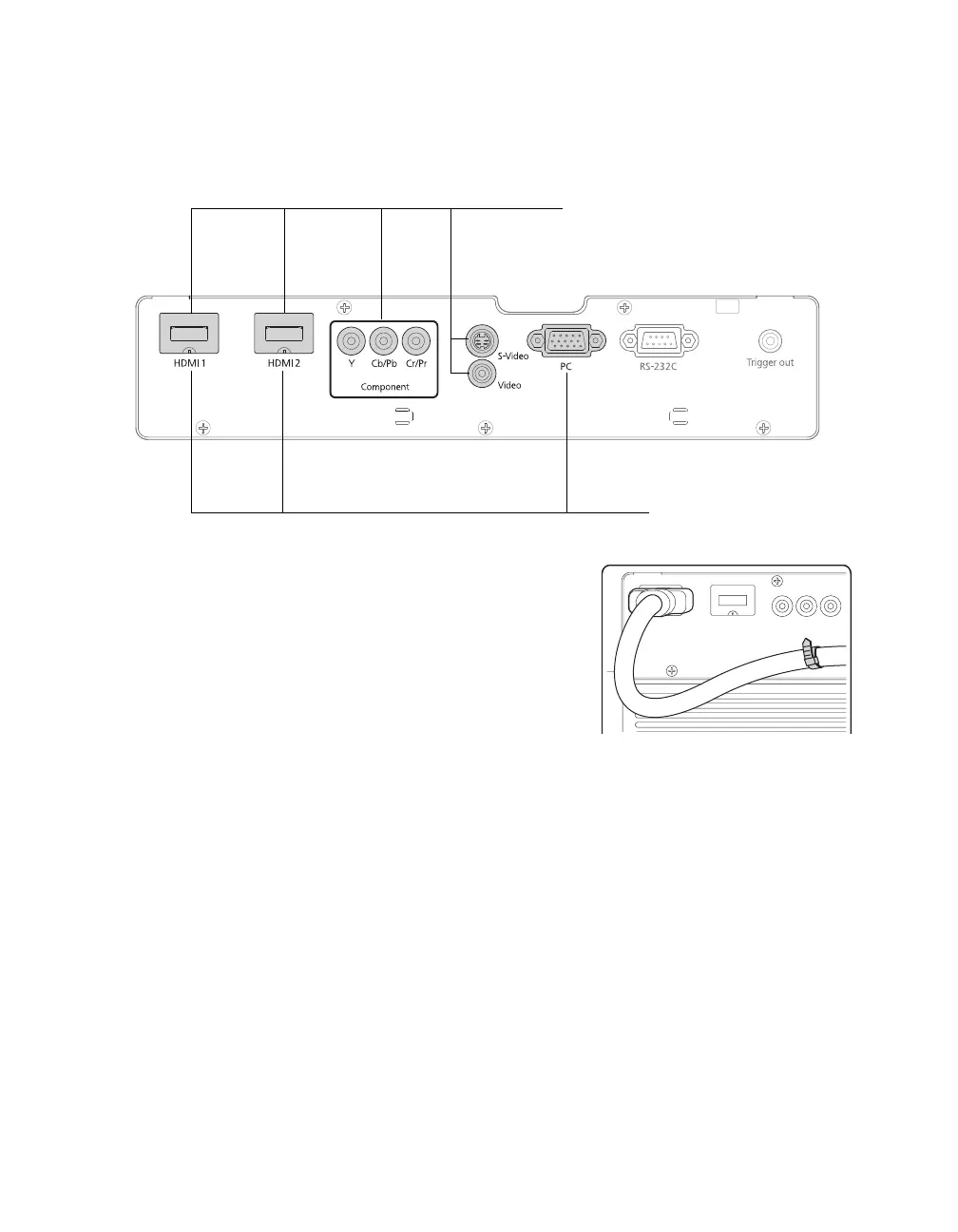
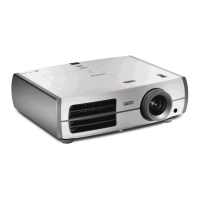
For best results, connect your video equipment to the HDMI port, if possible. If your
equipment doesn’t support HDMI, connect it to one of the following ports (highest quality
listed first):
Component (for component video), S-Video, or Video (for composite video).
When you connect a large or heavy cable to the projector,
such as an HDMI cable, it is recommended that you fasten
it to one of the two holders using a commercially available
cable tie.
Connect video equipment to one
of these ports
Connect a computer to one
of these ports



 To Next Page