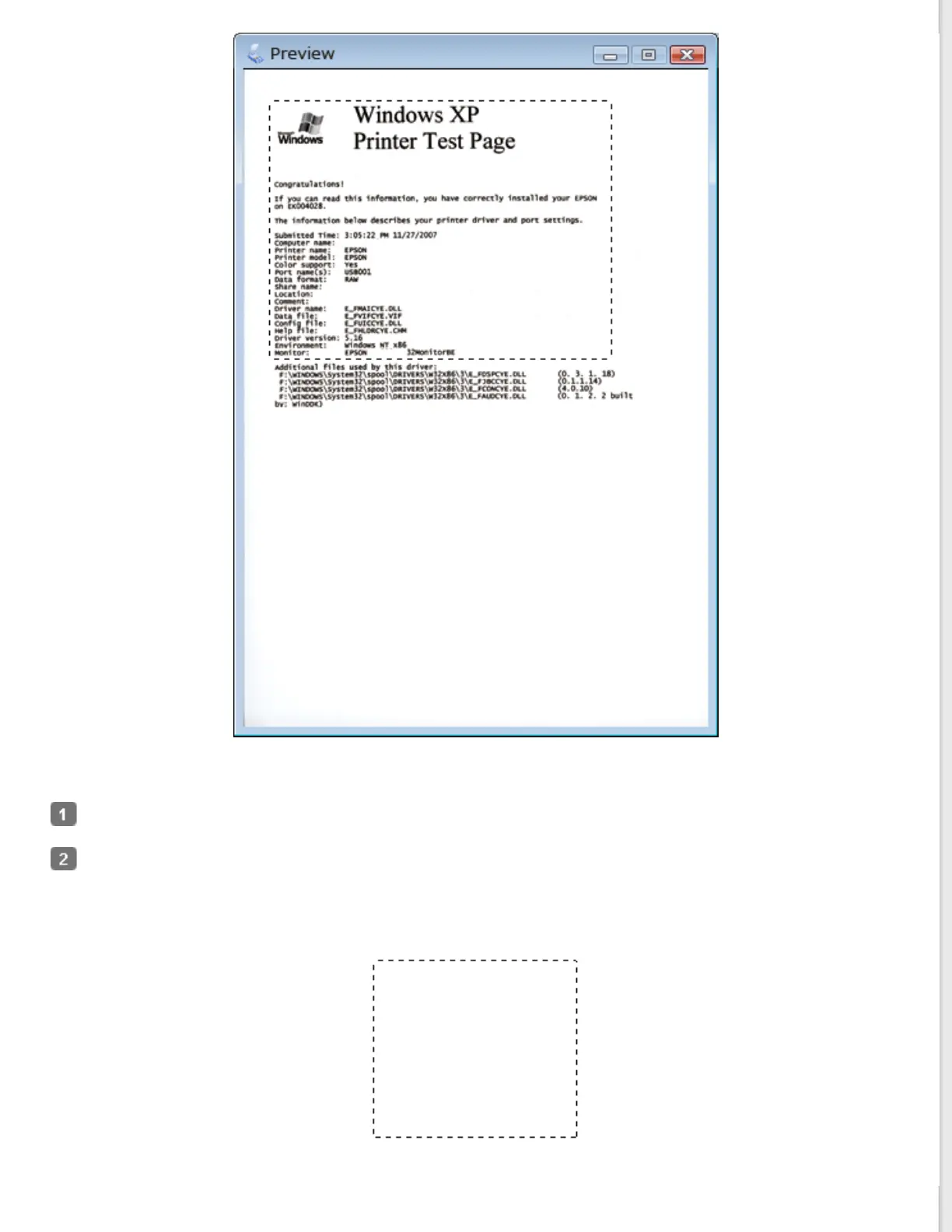
You can move the marquee and adjust its size. You can create only one marquee.
To draw a marquee, move your cursor over a preview image. The pointer becomes a set of cross-hairs.
Position the pointer in the area where you want to place the corner of your marquee and click. Hold down the
mouse button and drag the cross-hairs over the image to the opposite corner of the desired scan area. Then
release the mouse button. You see the moving dotted line of the marquee.



 To Next Page