Home > Solving Problems
Paper Feeding Problems
Paper Jams in the scanner
Paper Jams in the scanner
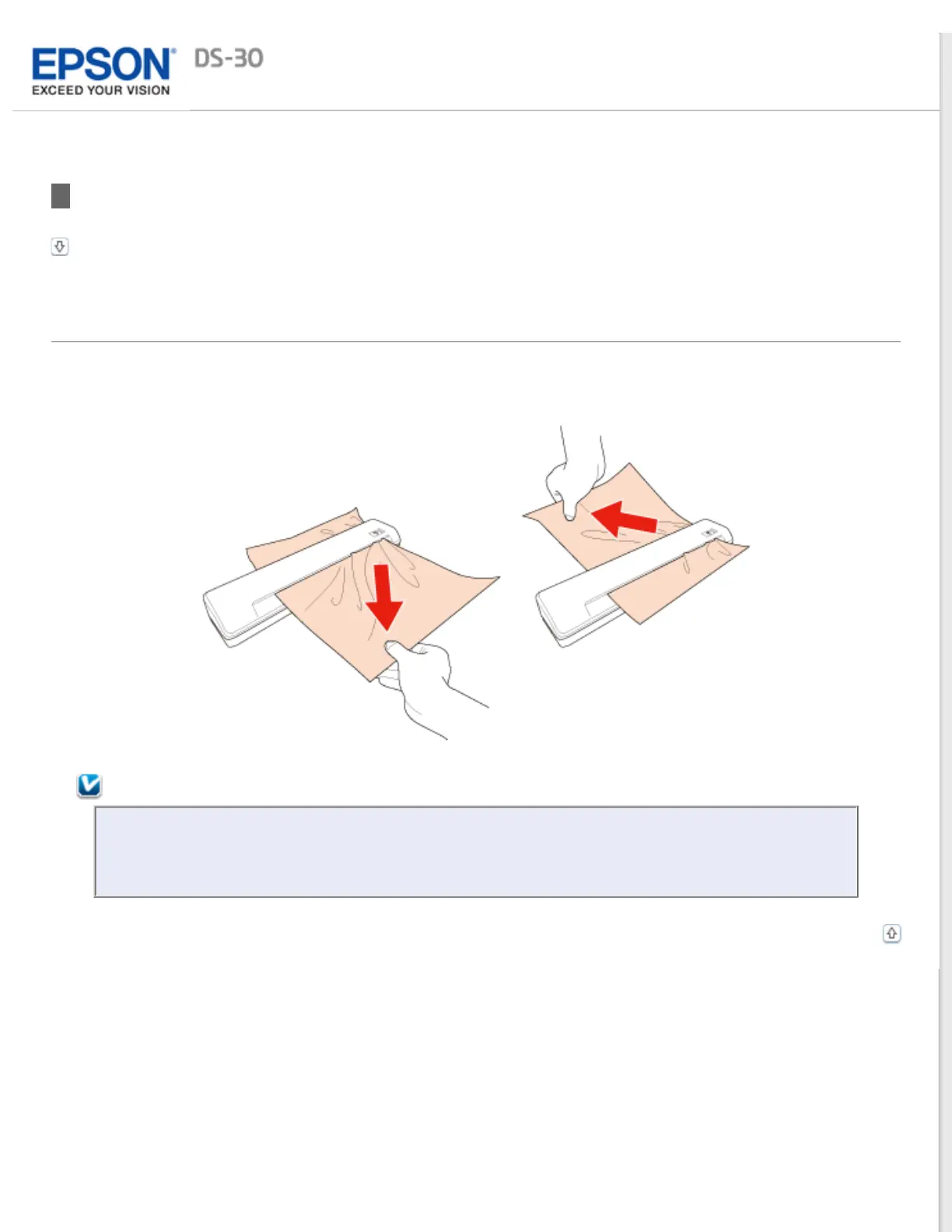
If paper jams inside the scanner, unplug the USB cable from the scanner and your computer. Next, slowly remove the
jammed paper by gently pulling it in whichever direction offers the least resistance.
Note:
If a piece of paper gets stuck in the roller and remains inside the scanner, remove it slowly with a pair of
tweezers by pulling it in the direction of the output slot. If the jammed paper is pulled in the opposite
direction, the document may be damaged slightly. If you cannot remove it, contact Epson.
Top



 To Next Page