Select Descreening as the image quality setting.
Try changing the Resolution setting.
Uneven color, smears, dots, or straight lines appear in your image
Clean the product.
Cleaning the Product
Top
The scanning area or direction is unsatisfactory
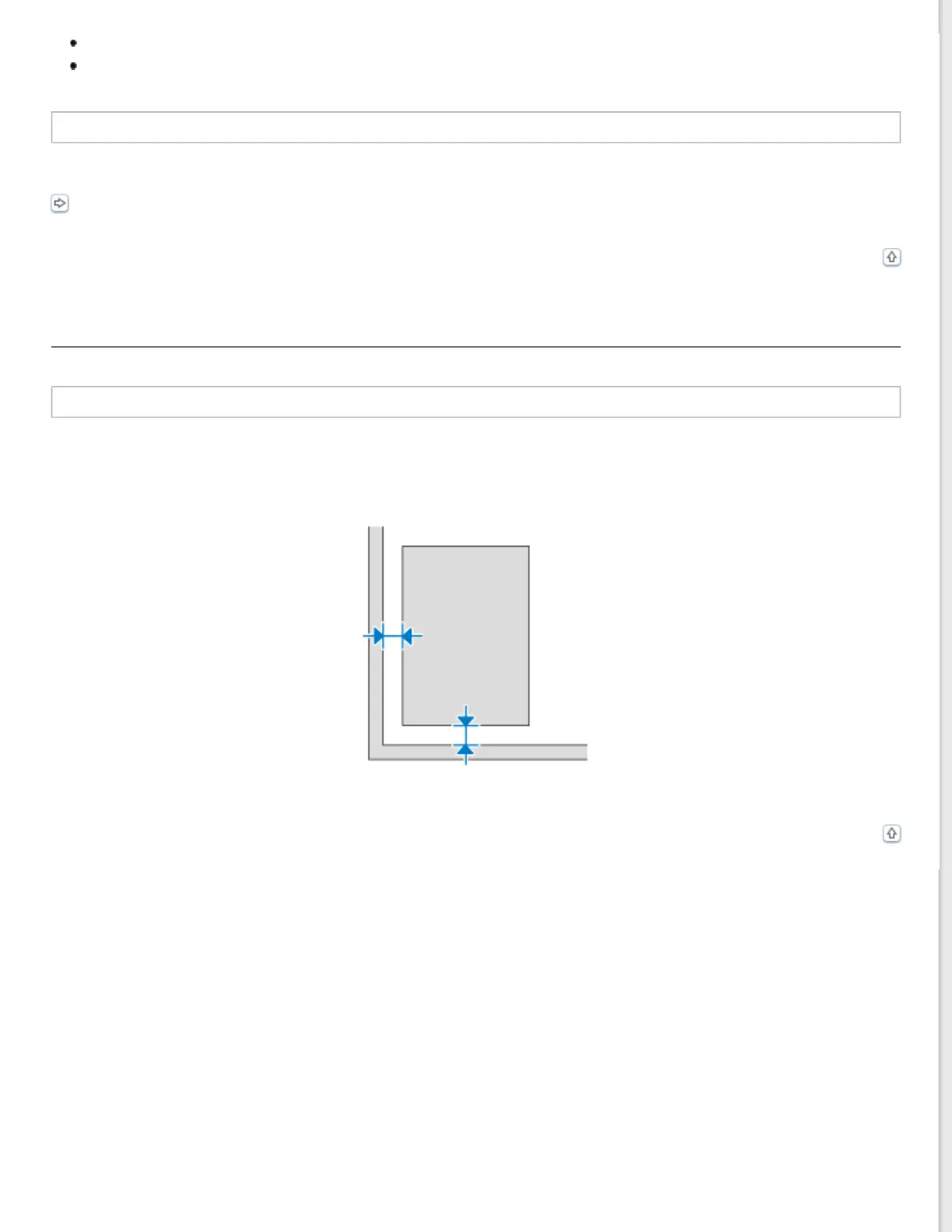
The edges of your original are not scanned
Move the document or photo more than 3 mm (0.12 inch) away from the horizontal and vertical edges of the document
glass to avoid cropping.
Top



 To Next Page