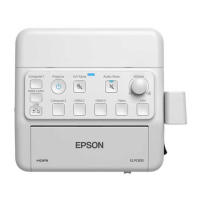
Installing the Wall mount
70
e
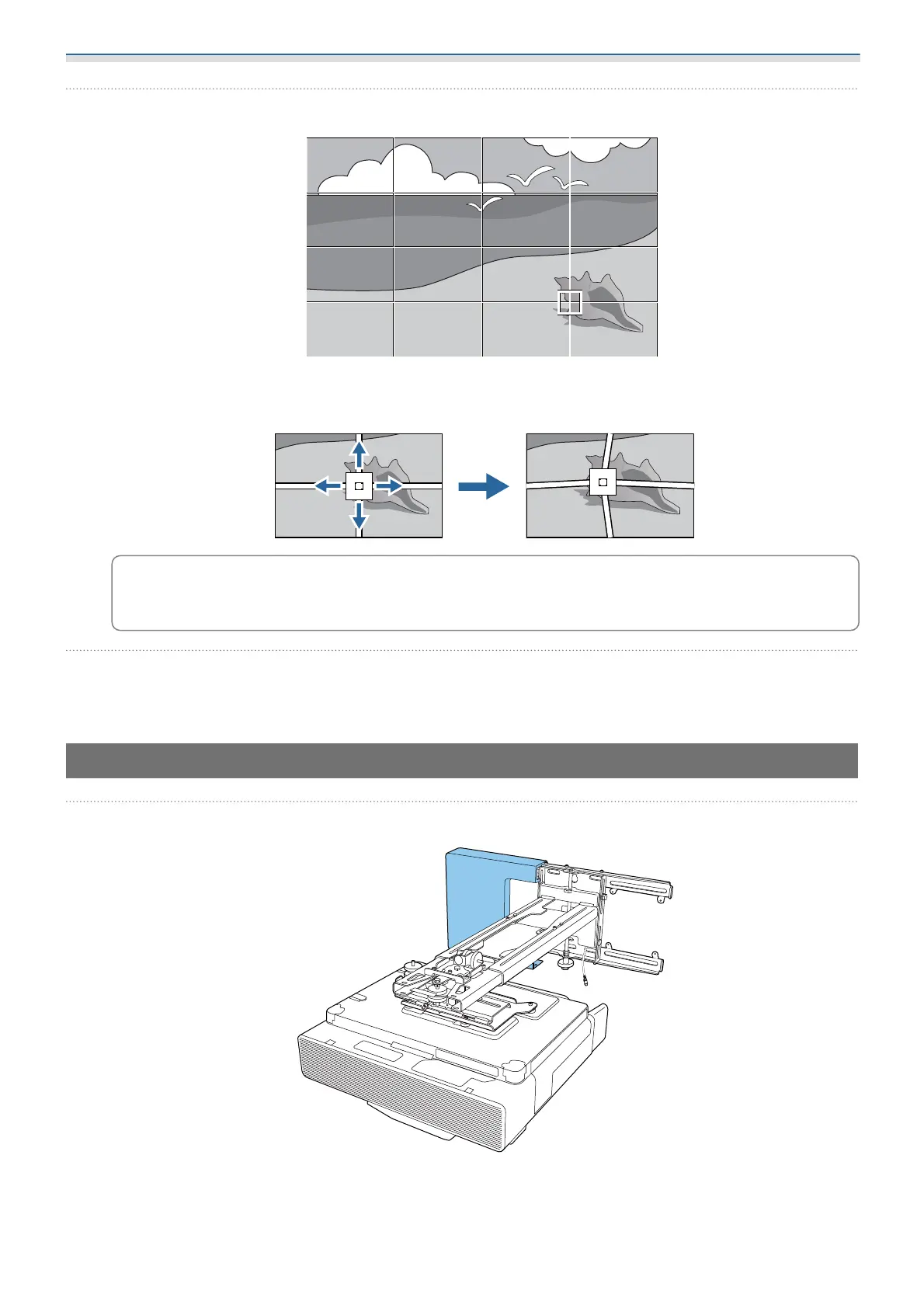
Select the points you want to correct and make adjustment
c
If it is hard to see the grid, use Pattern Color to change the color of the grid.
f
When you have finished making adjustments, press the [Esc] button on the remote control
or the control panel to finish adjustment
Attaching the covers
a
Attach the left wall plate cover


 To Next Page