Placing the Projector 3
3. Insert the tab into the notch.
4. Repeat the process on the other side of the jig to complete the assembly.
Placing the Projector
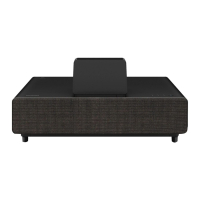
1. Place the projector on top of your furniture.
2. Place the jig against the wall, aligning the center of the jig with the expected center of your screen.
Note:
To make sure you’ve correctly oriented the jig, follow the instructions on the labels attached to it.
After positioning the jig, leave it in place until you are instructed to remove it.
3. Slide the projector until it touches the arms on the other end of the jig.


 To Next Page
 Loading...